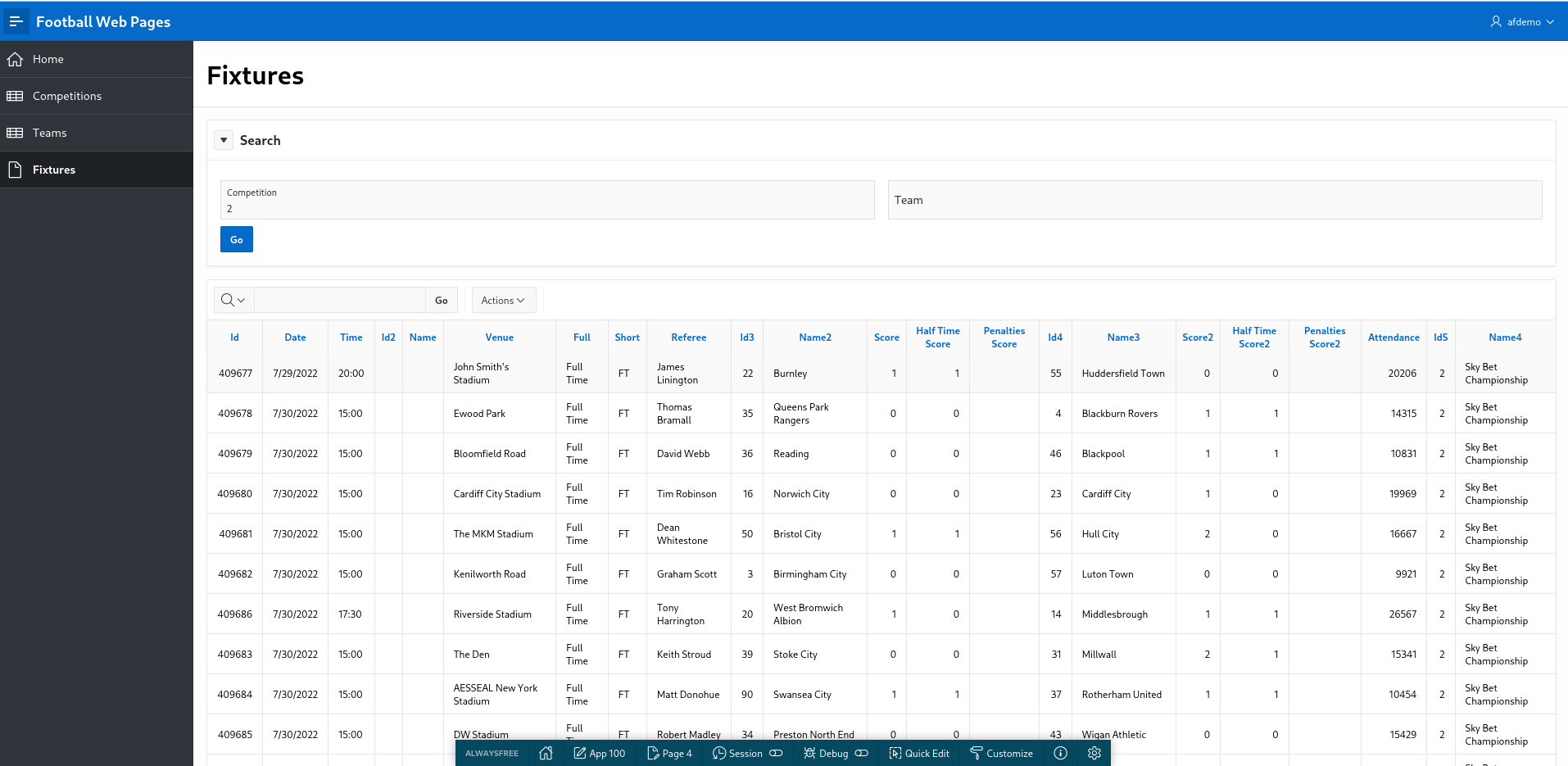
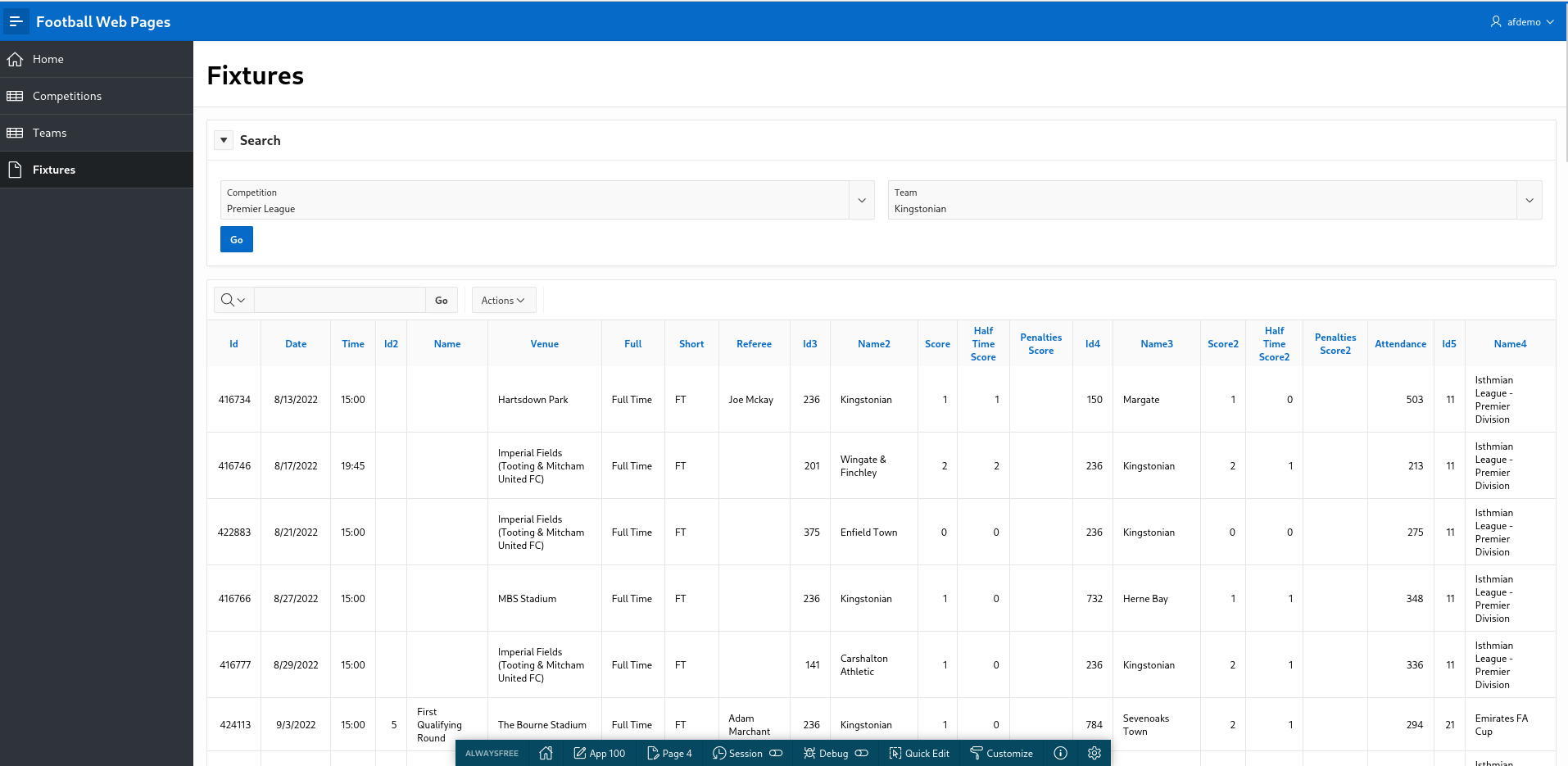
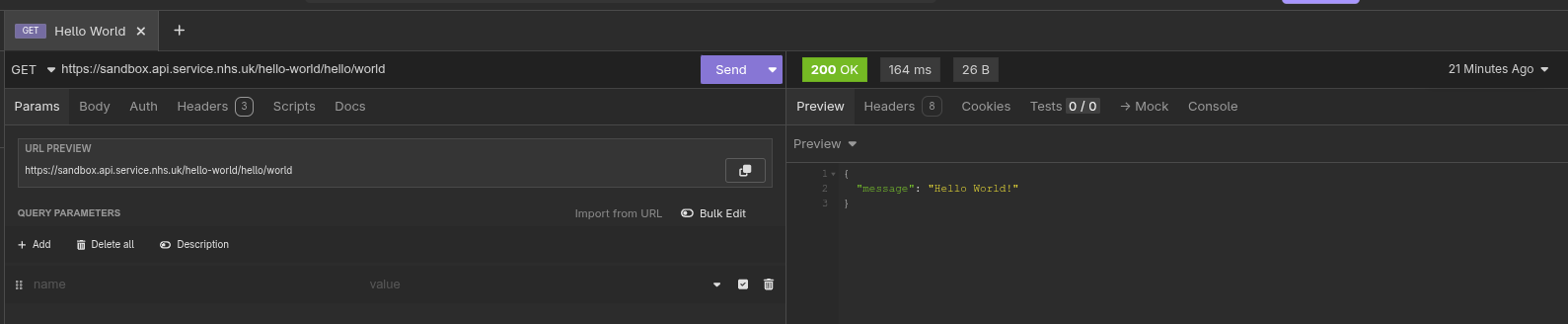
Introduction
The last article provided a quick introduction to REST
APIs. Now we will use a simple REST API to develop an APEX application
using a real world example.
I enjoy watching football (soccer). My local team are Kingstonian
FC, a non-league team in South West London. Kingstonian
play in the seventh tier of English football. Kingstonian's players
are semi-professional so the players hold down jobs and train and play
part-time.
Football Web Pages (FWP) is an excellent site for all things
related to football. The site includes news, fixtures, results for all
English leagues (including non league) and the European leagues. I
recently noticed FWP provides a REST API.
FWP API
Reviewing the FWP API, the first thing to note is whether the API is
public (i.e. freely available) which it is and whether it requires
authentication (it does).
To access our data you must subscribe to one of our pricing plans
(which include a free plan) via Rapid API at the following address:
rapidapi.com/football-web-pages1-football-web-pages-default/api/football-web-pages1
Authentication
When you subscribe via Rapid API you will be given a key, and you
must provide this in a header named "X-RapidAPI-Key" with every
request.
A lot of API's provided by larger sites offer a facility to issue API
calls directly on the site. This enables the developer to examine the
specification of the API and experiment with different headers, query
parameters and examine the response data in various formats.
FWP doesn't offer this functionality but it's a relatively simple API
so we can use Insomnia to experiment with the API.
Normally, I choose the simplest API available - one with no query
parameters or headers (other than required for authentication).
For FWP, the 'Competitions' API looks like a decent candidate
Competitions
A list of the competitions covered
The following parameters may be set:
include: One or both of: rounds, teams (default: neither)\
Endpoint: https://football-web-pages1.p.rapidapi.com/competitions.json
I'm lazy and so are you so you just enter this endpoint into
Firefox. You are thwarted.
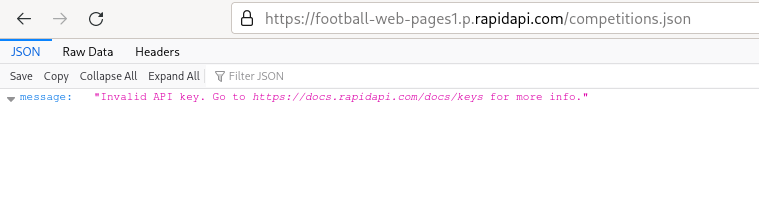
The FWP REST API does indeed require authentication so we need
Insomnia.
Firstly, we create a folder to store all our FWP API requests. Name
the folder 'Football Web Pages'.
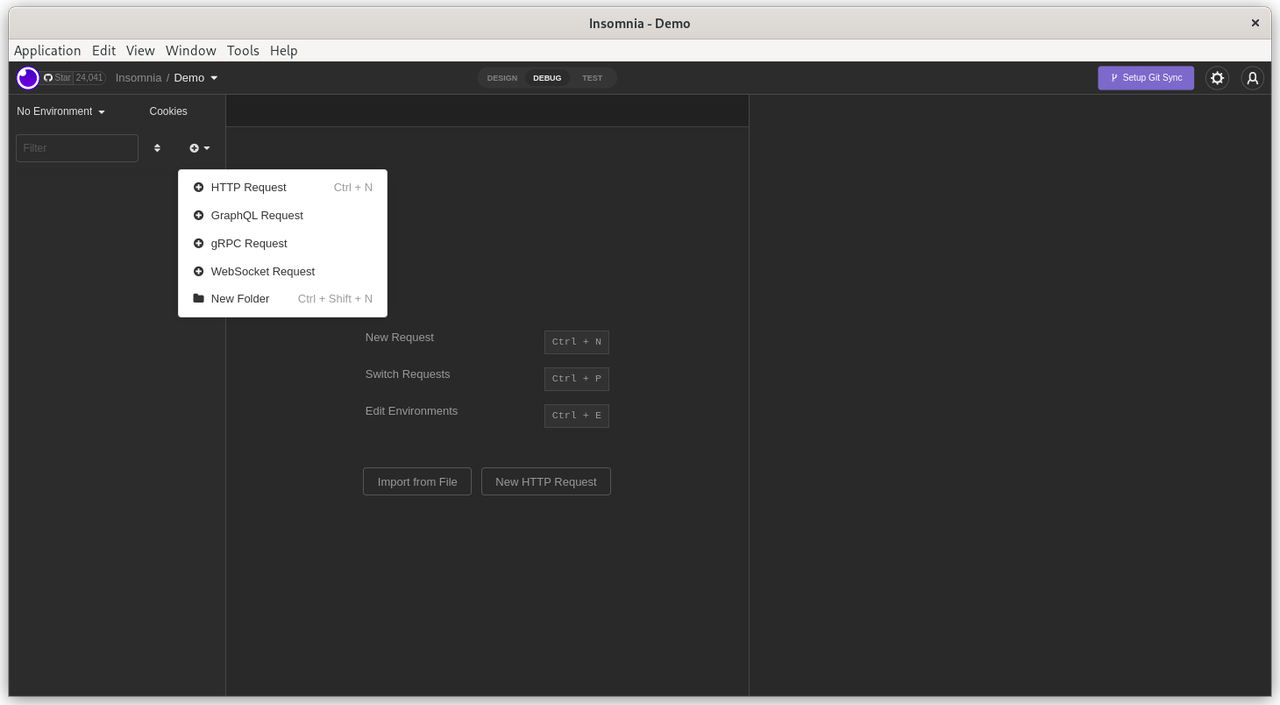
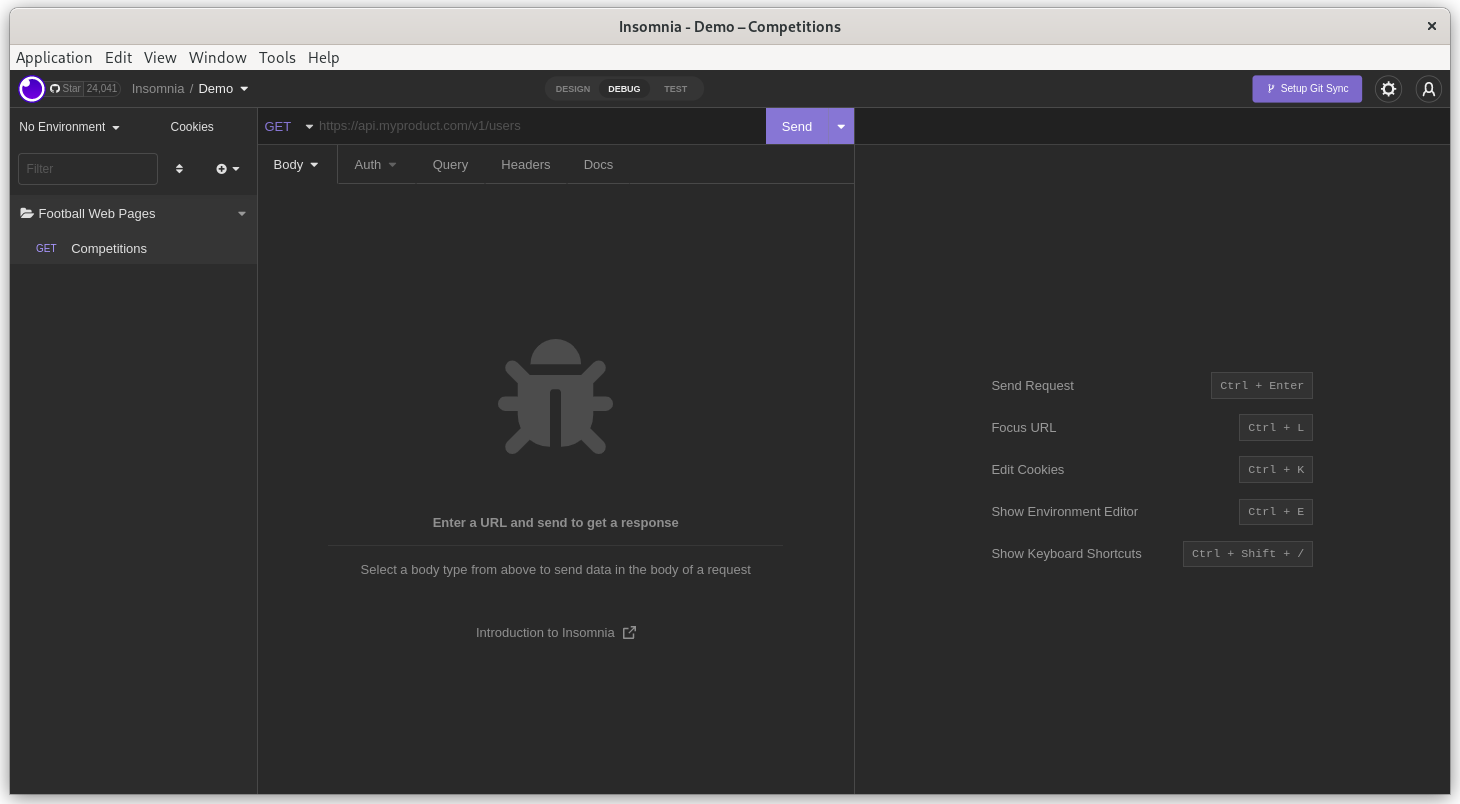
Select the newly created folder and click 'click to add first request'.
Double click on the 'New HTTP Request' on the panel on the LHS. Rename
this request to 'Competitions'.
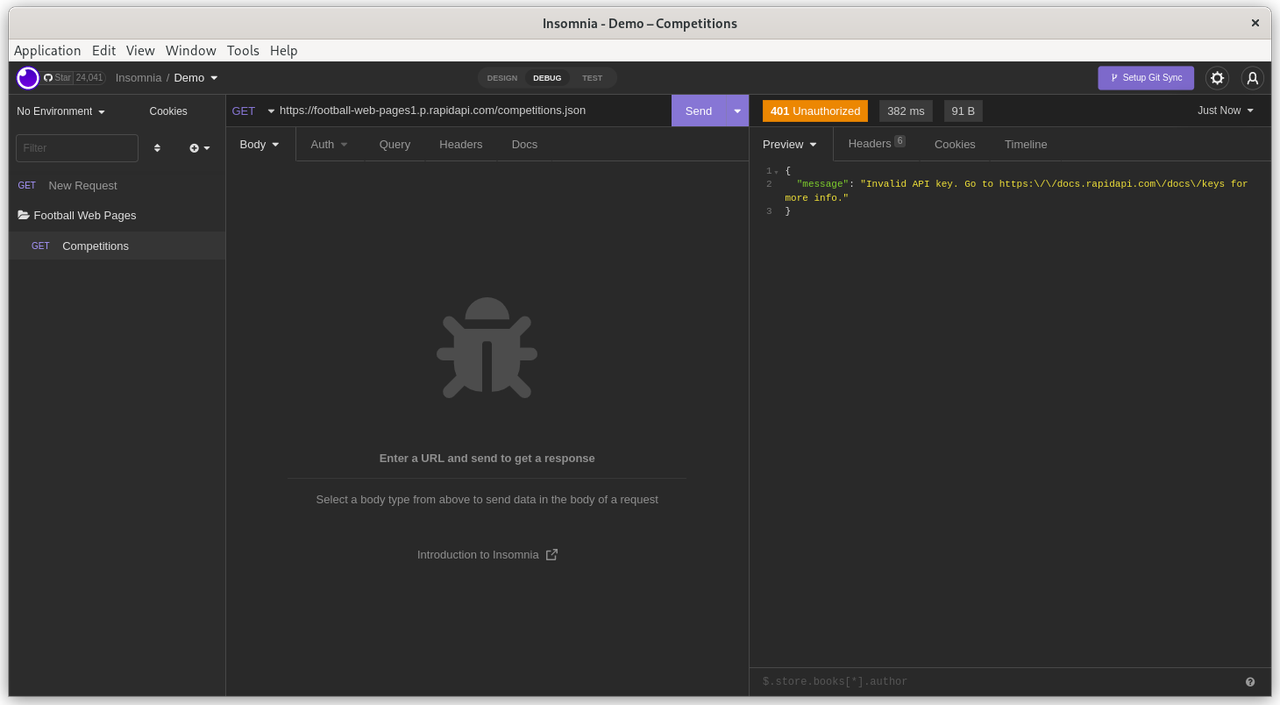
Now enter the FWP API endpoint into the GET section in the middle
panel. The endpoint (URL) is:
https://football-web-pages1.p.rapidapi.com/competitions.json
Click 'Send'. You get the same authentication error. You feel thwarted
and disappointed but this is OK. You haven't provided your credentials
yet but the endpoint is correct and the FWP server correctly responded
with a '401 - Unauthorized' error.
This API requires that the API key (password, credentials) are
supplied in the 'Header' of the API request.
Click on the 'Header' tab in the middle section
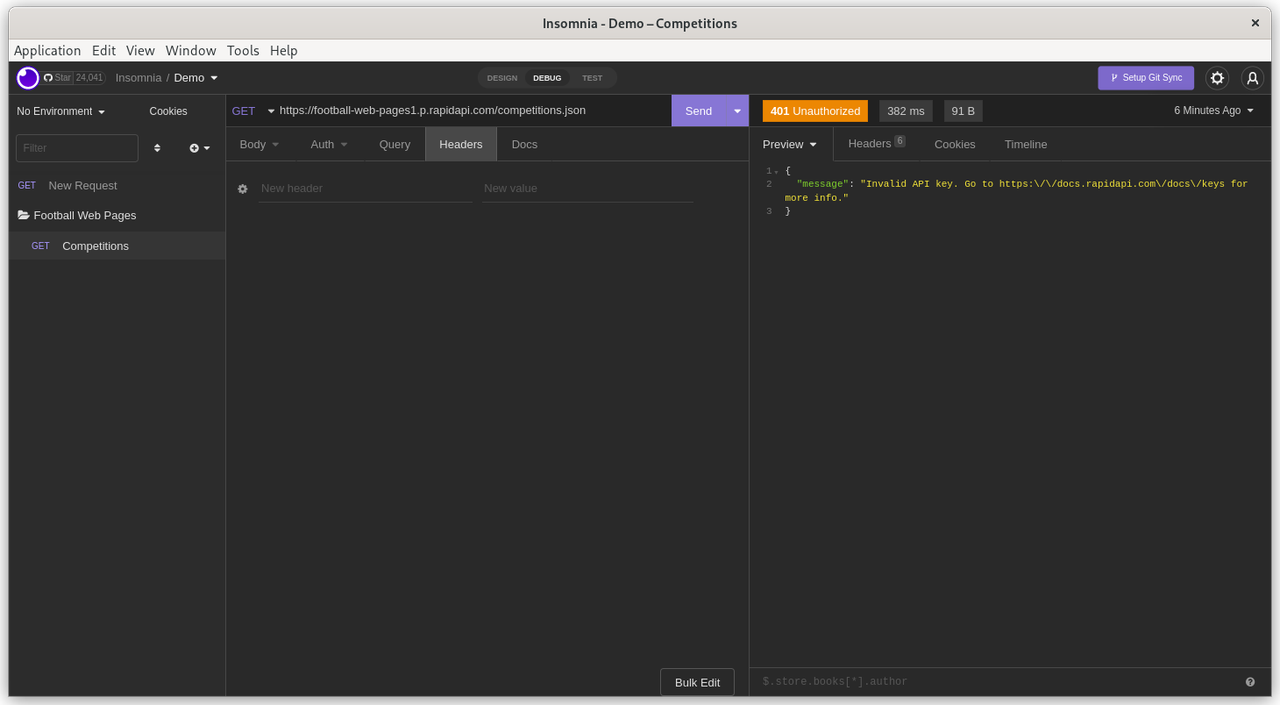
Add 'X-RapidAPI-Key' as the 'New Header'. Then add your private API
key as the 'Value'. Remember that API headers are simply Name-Value
pairs.
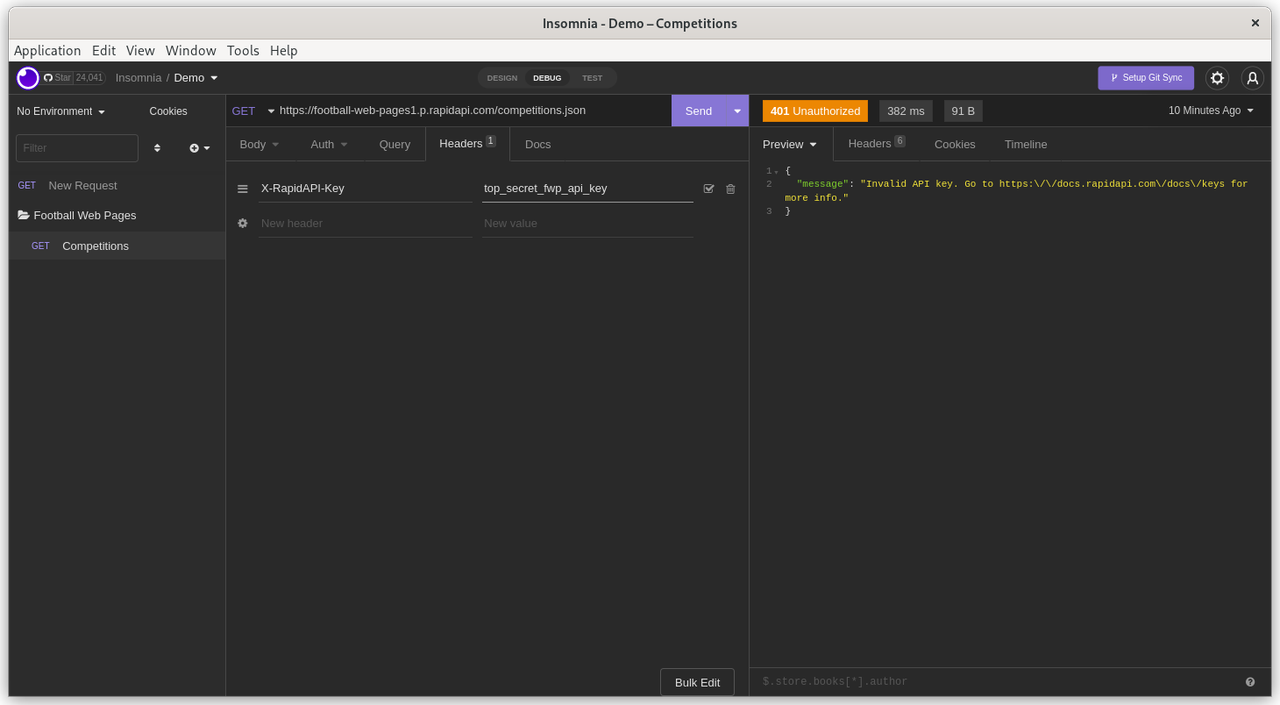
Click 'Send'. There is no need to explicitly save the changes to the
Headers.
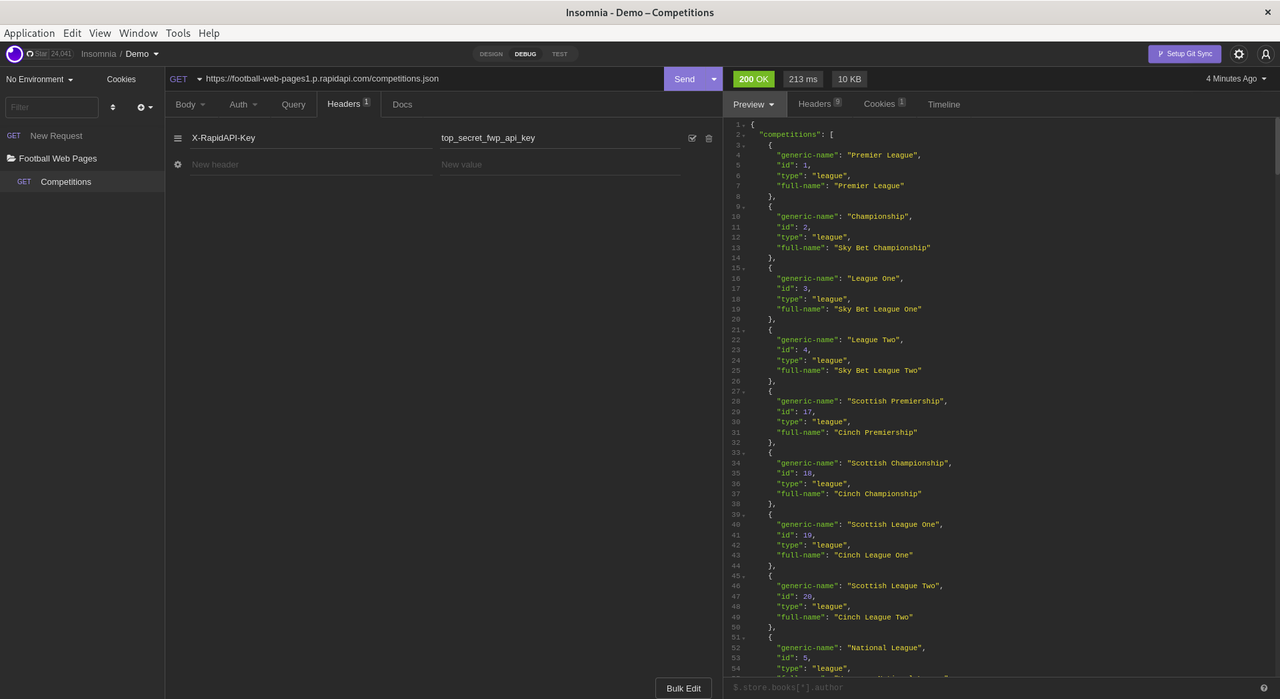
Finally. Success !
Look at the results in the panel on the RHS.
The API request returned a status of '200' (success). The elapsed time
for the API request was 213 milliseconds and returned 10KB of data.
FWP APEX application
This demo was created and tested on Oracle's AlwaysFree tier. However,
it should also work fine on Oracle's hosted APEX service on
apex.oracle.com or a local APEX instance.
Navigate to App Builder
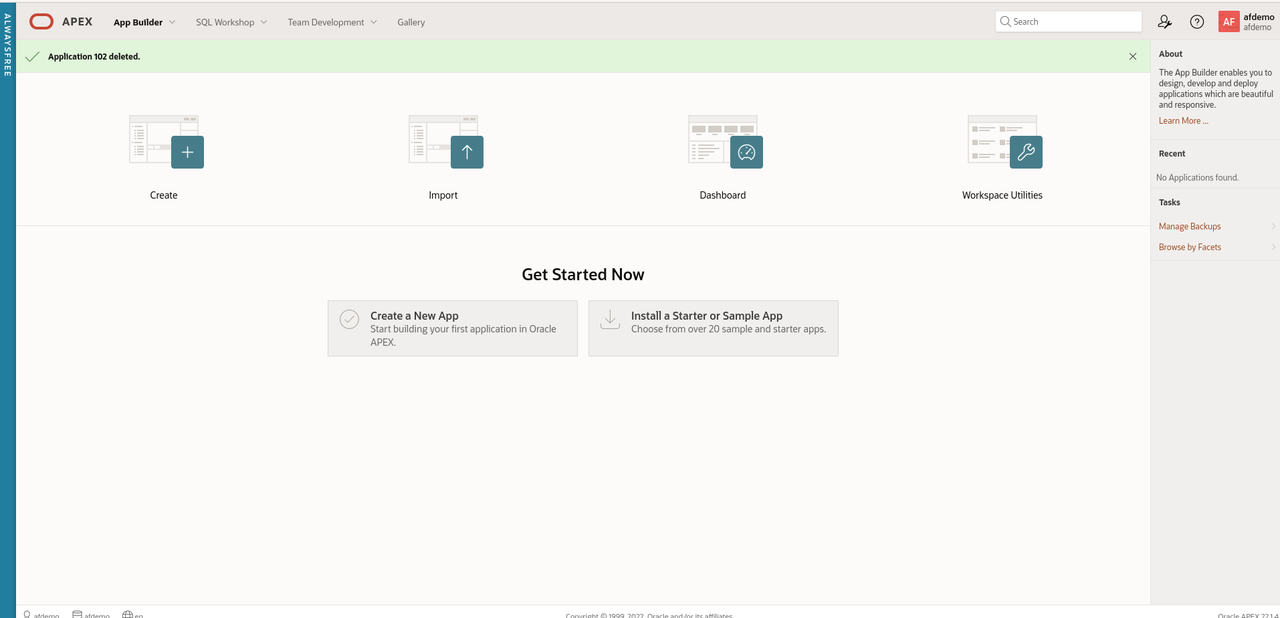
- Click 'Create a new App'
- Click 'New Application'
- Name the application 'Football Web Pages'
- Accept all the default options.
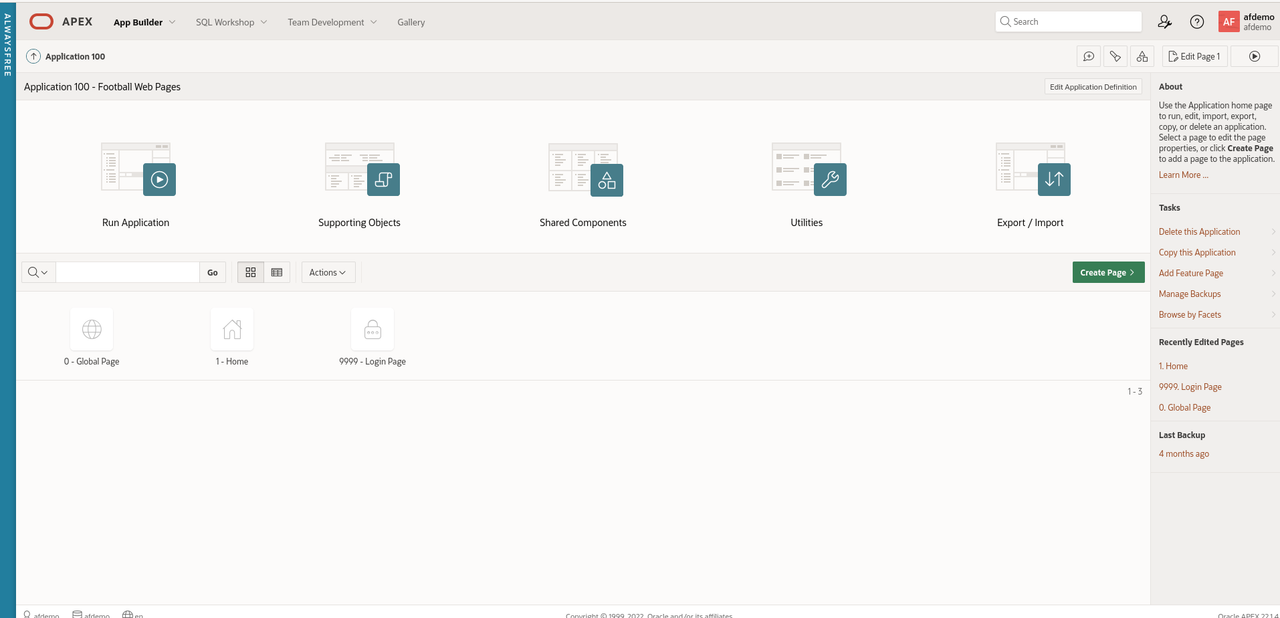
First, we need to configure the Web credentials in APEX to access the
FWP REST API's
In APEX, Web Credentials are shared across the workspace. Click 'App
Builder - Workspace Utilities - All Workspace Utilities'

Click 'Web Credentials'

Click 'Create'
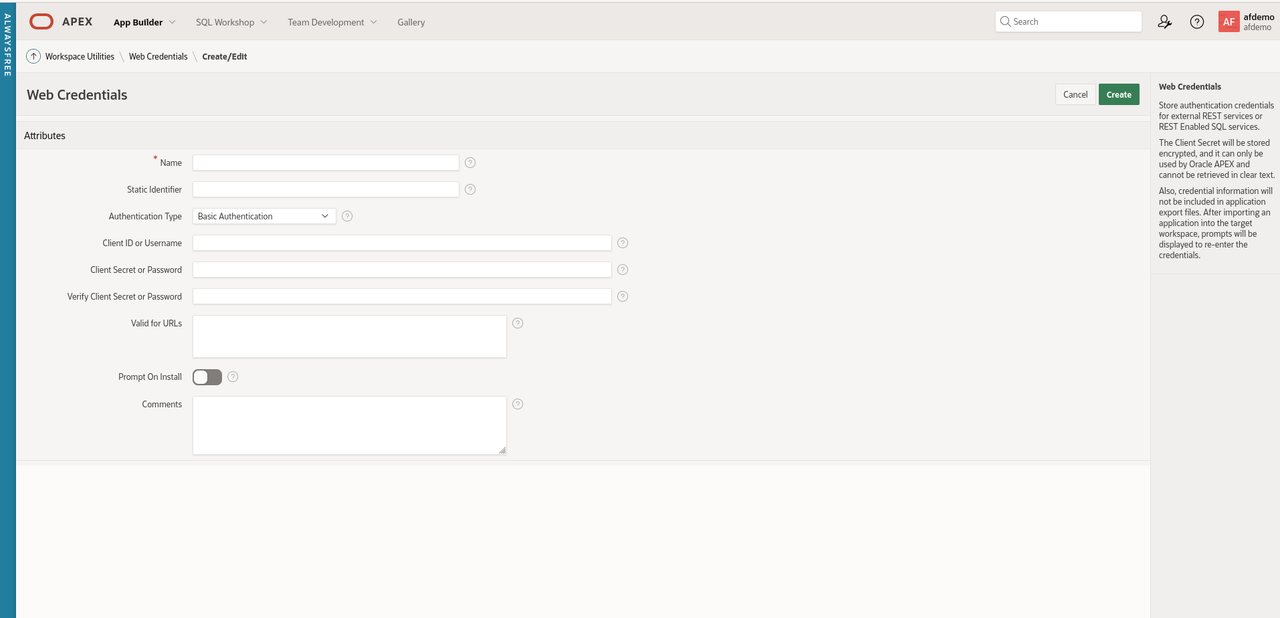
Enter the following values for the parameters
- Name: Football Web Pages
- Static Identifier: FWP
- Authentication Type: HTTP header
- Credential Name: X-RapidAPI-Key
- Credential Secret: secretapikey
- Comments - FWP API key added on 16 October 2022
The reason I always add the comments field is that many API keys have
a limited lifetime (6 months or a year) for security reasons. Often it
is useful to know when the client secret was created.
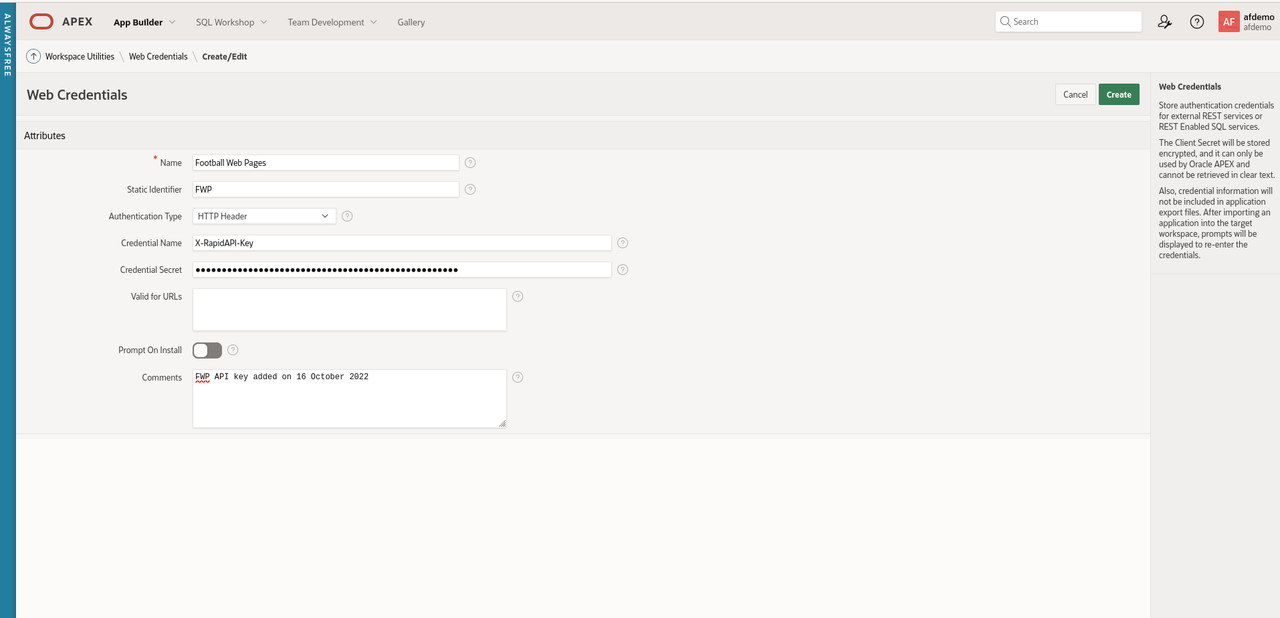
Click 'Create' to save the changes
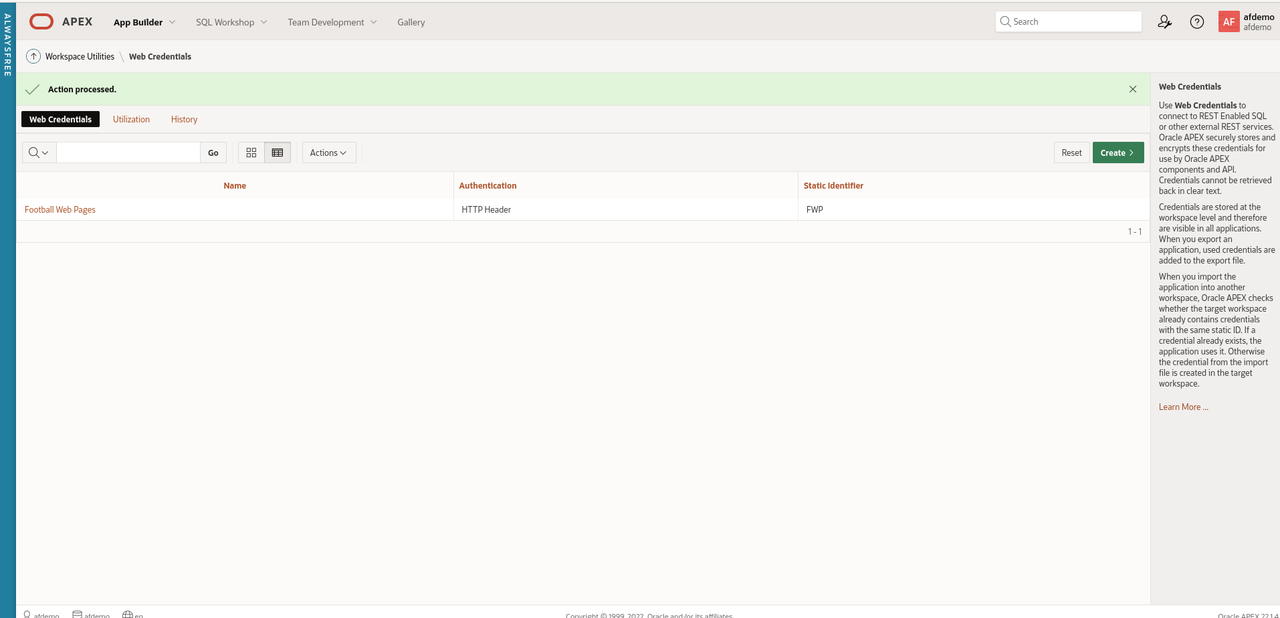
Next, create a REST data source for the FWP REST API
Navigate to 'App Builder' and click 'Shared Components'.
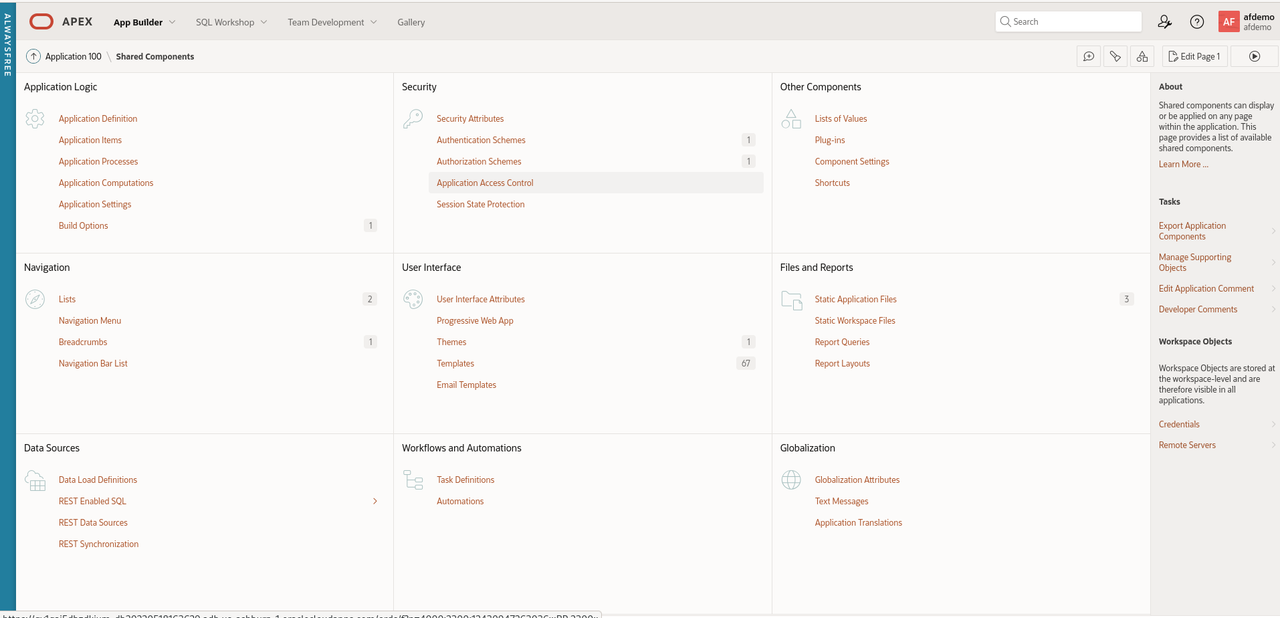
In the bottom left section, click 'REST Data Sources'.
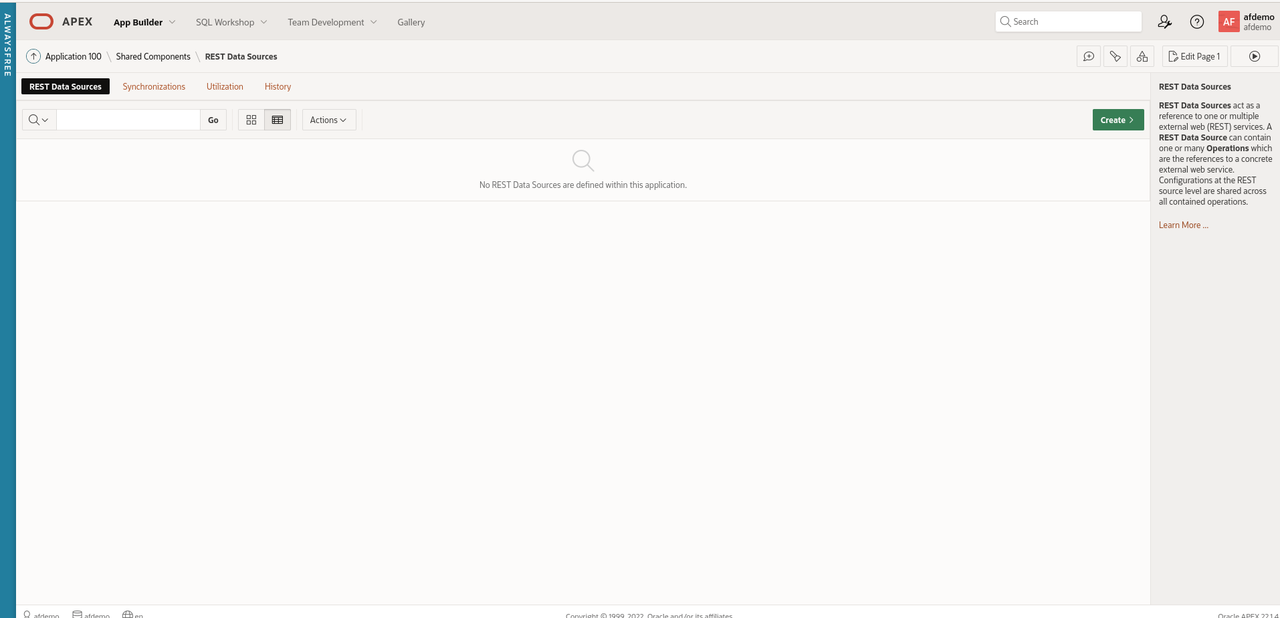
Click 'Create'
Select 'From scratch' for 'Create REST Data Source' and click 'Next'
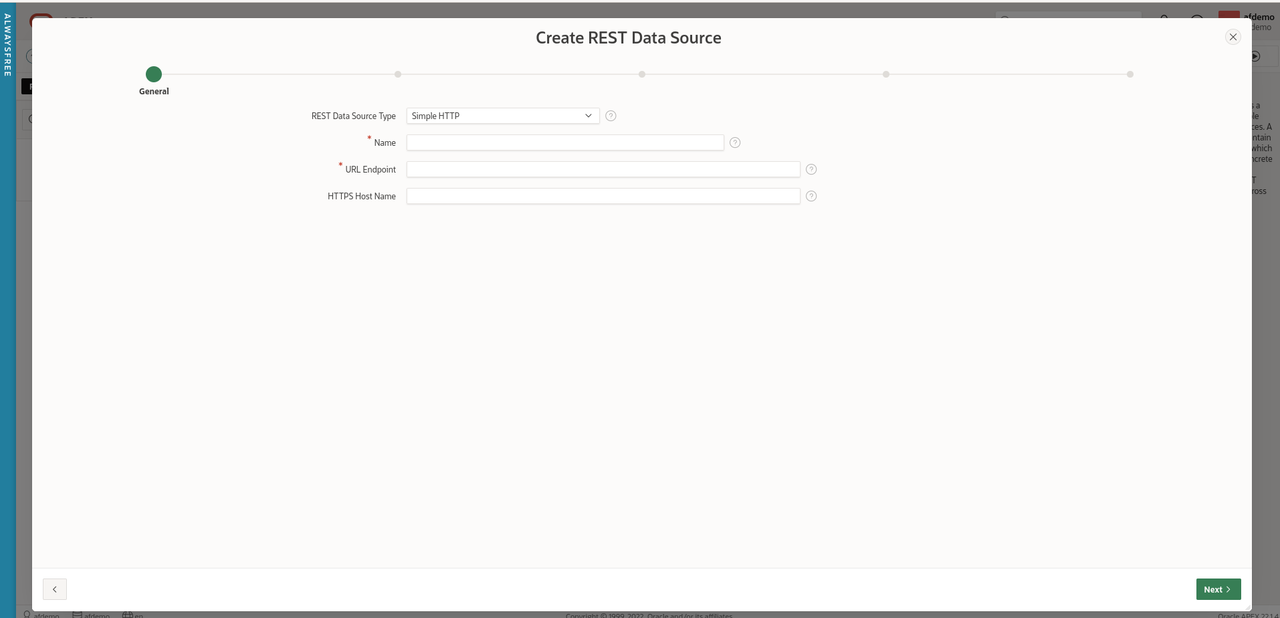
Leave the default of 'Simple HTTP' for the value of 'REST Data Source
Type'
Enter 'FWP-Competitions' for the 'Name'.
Enter 'https://football-web-pages1.p.rapidapi.com/competitions.json'
for 'URL Endpoint'
Leave the optional parameter 'HTTPS Host Name' blank.
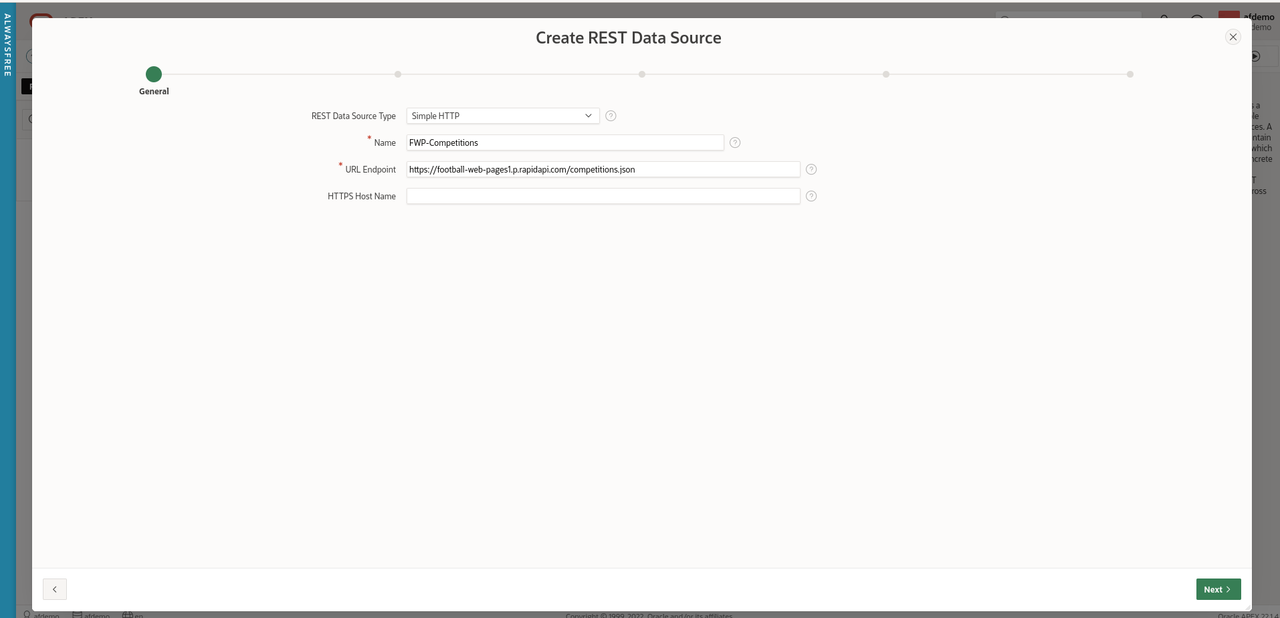
Click 'Next'
Leave 'Create New' for the 'Remote Server' parameter
Accept the values helpfully supplied by APEX for 'Base URL' and
'Service URL Path'.
Click 'Next'
Accept the default of 'No Pagination' for 'Pagination Type'.
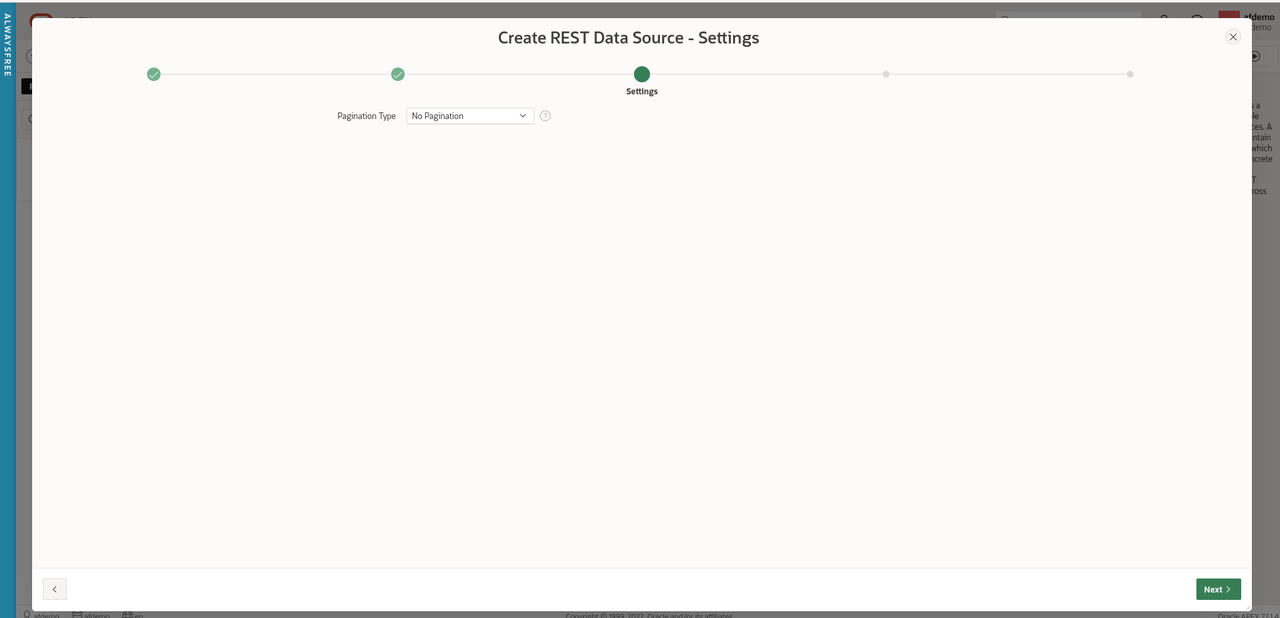
Click 'Next'
Ensure 'Authentication Required' is checked and select 'Football Web
Pages' from the drop-down menu for Credentials.

Click 'Discover'.
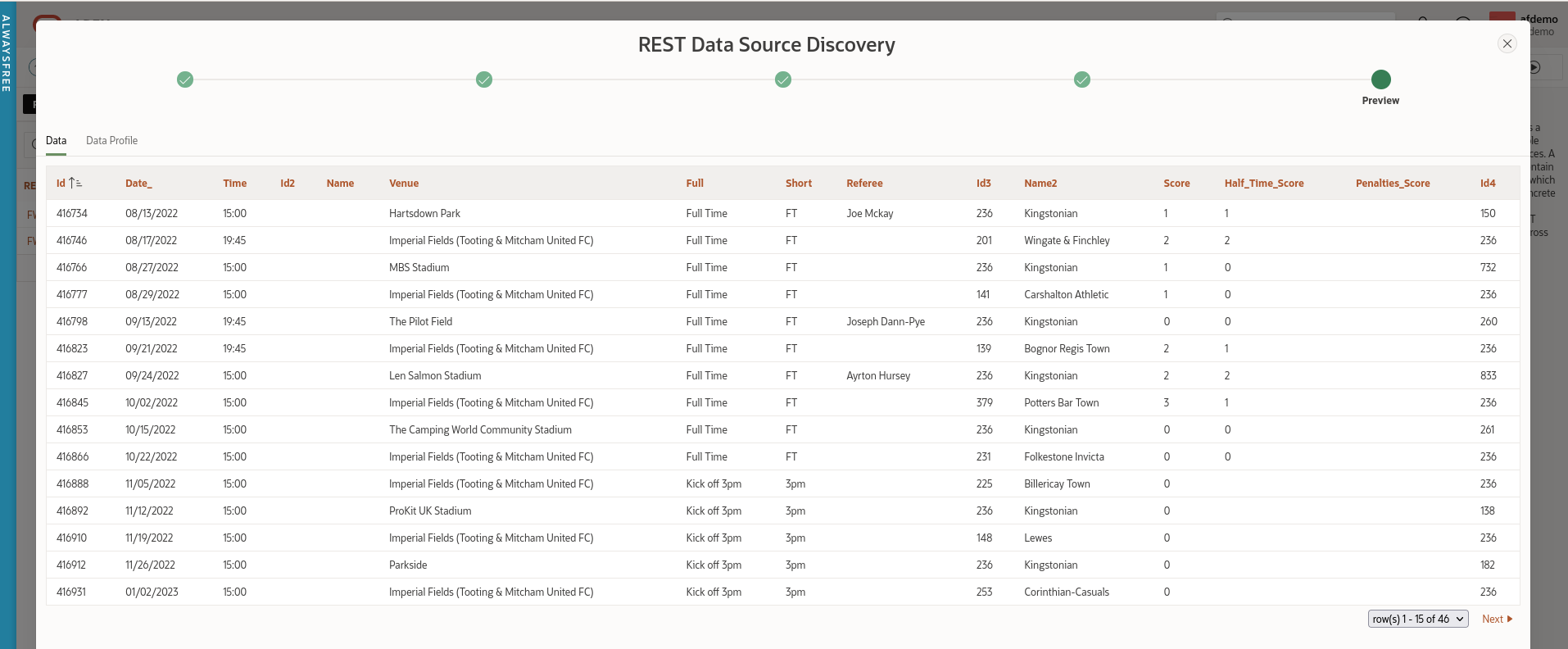
APEX has helpfully sent this API request to the FWP server using the
Web credentials and provided us with a preview of the data set
returned so we can check it looks correct.
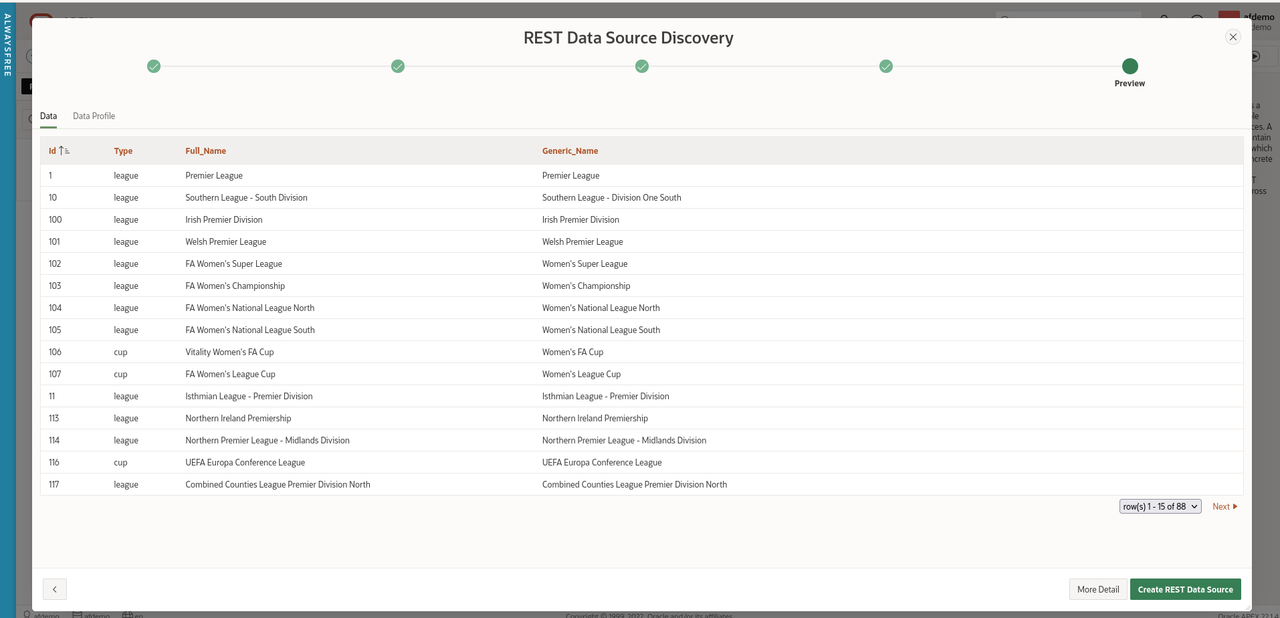
Wizards might want to click 'More Detail' but this looks good enough
for us to just click 'Create REST Data Source'.
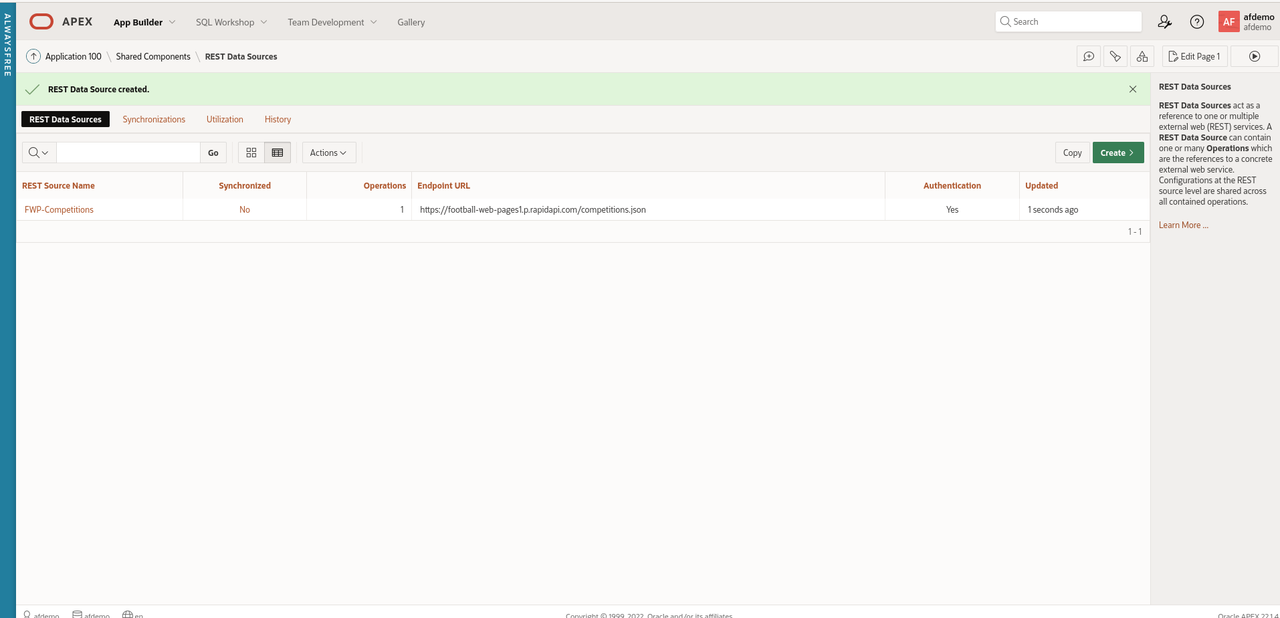
Now we have defined Web credentials and created a REST data source,
let's finally create an APEX page displaying the Competitions.
Navigate back to 'App Builder' and select the 'Football Web Pages'
application.
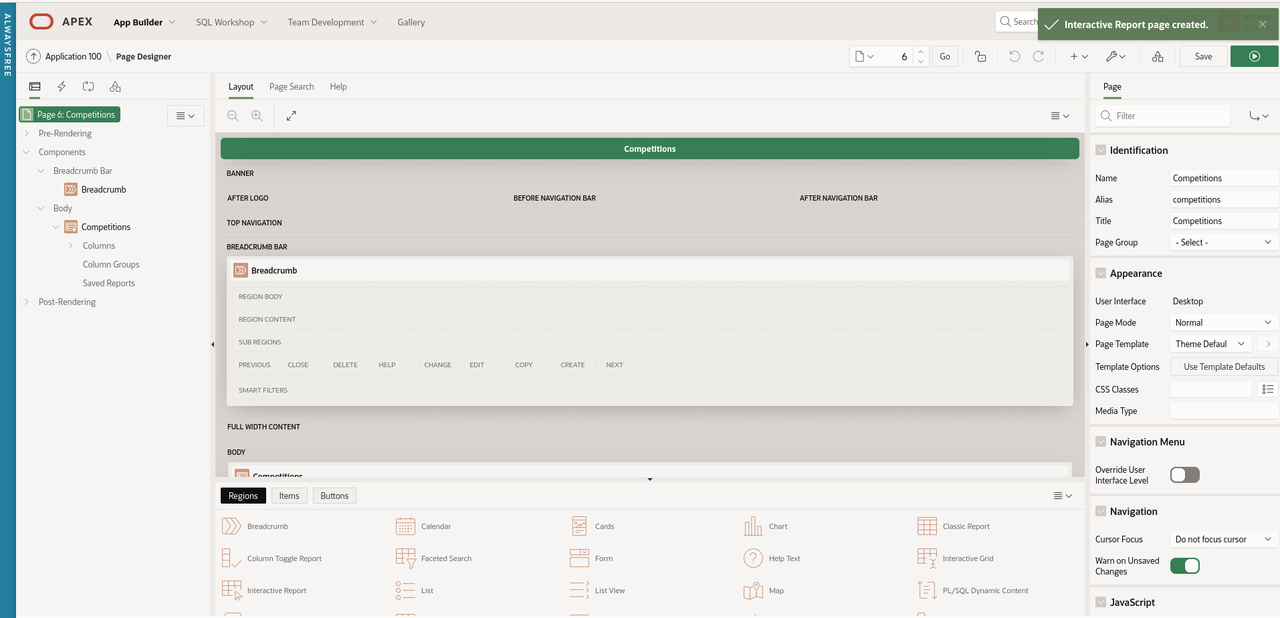
Click 'Create Page' and 'Interactive Report' from the Page Wizard.
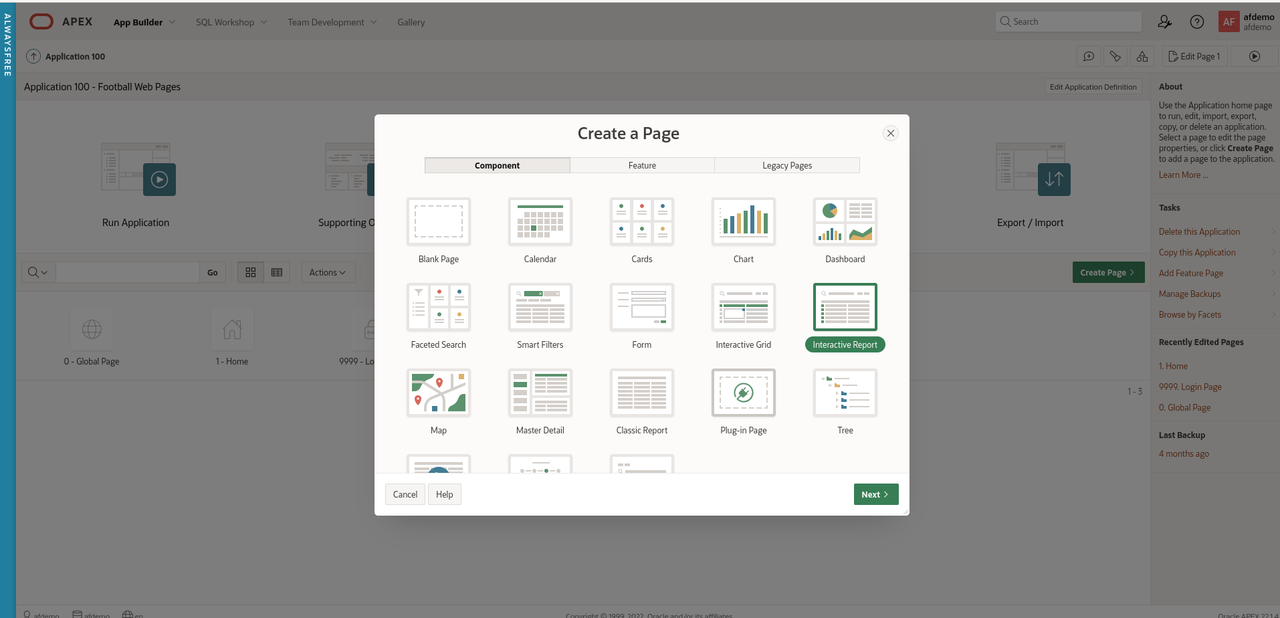
Click 'Next'
Enter 'Competitions' for the name of the new page.
Under 'Data Source', select 'REST Data Source' and select 'FWP
Competitions' from the drop-down menu.
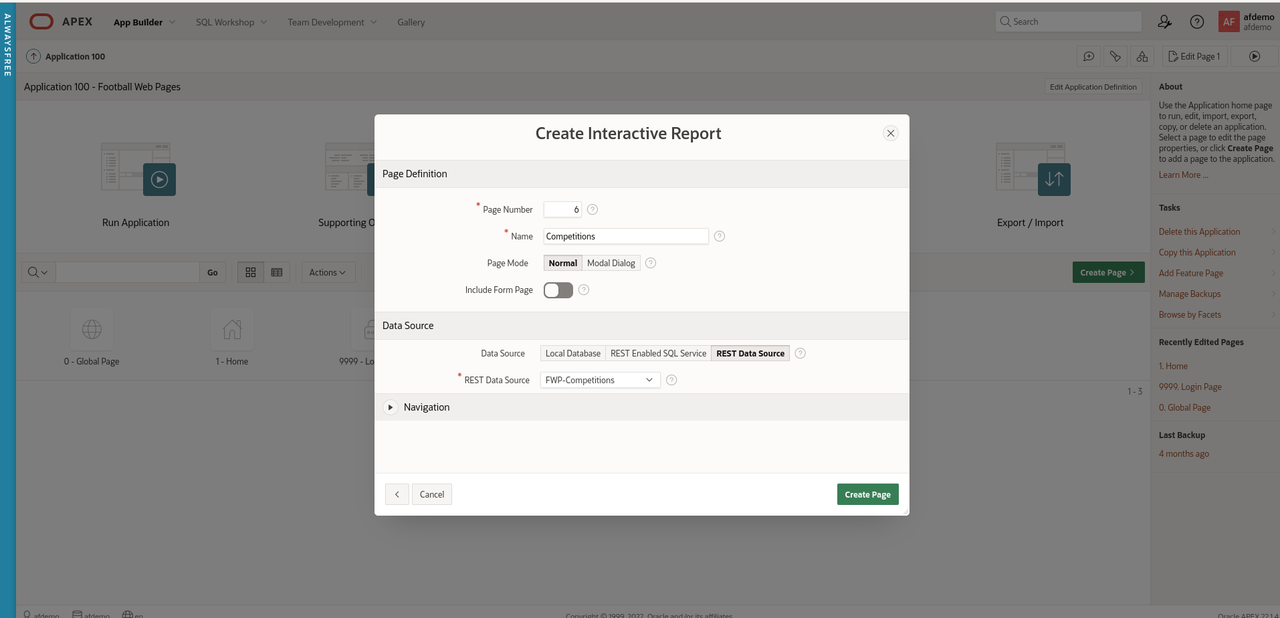
Click 'Create Page'
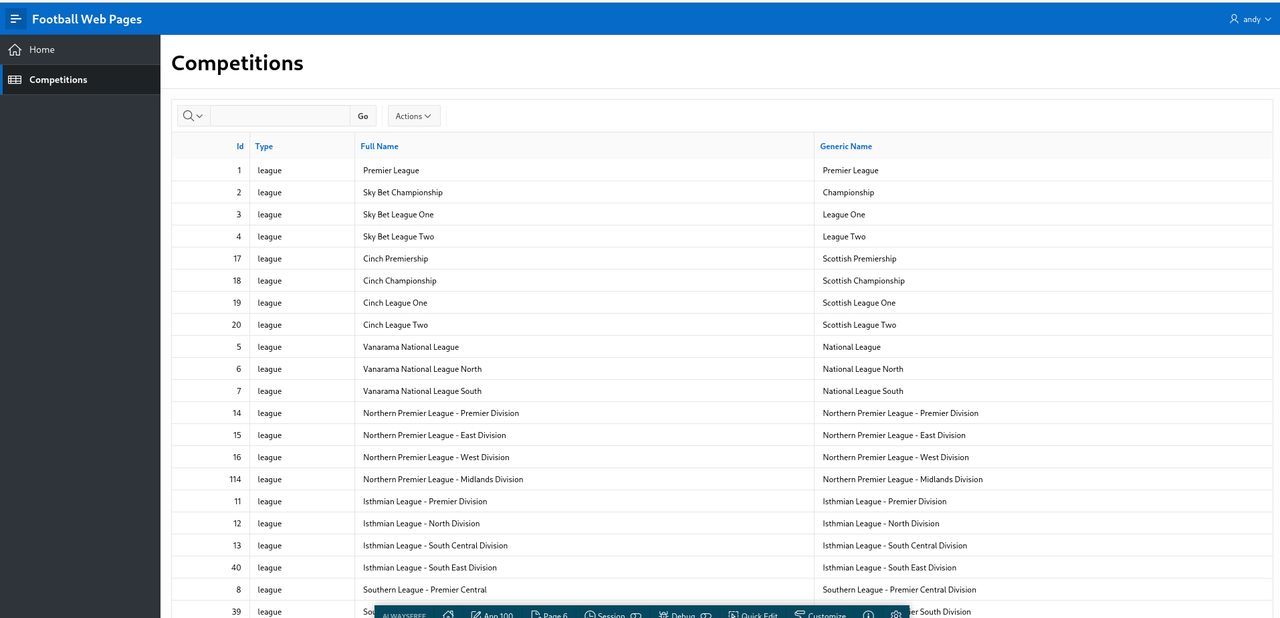
Run the 'Competitions' page
Summary
That took a while but we have created an APEX application that fetches
data from a REST Data Source that requires authentication.
These are valuable building blocks to refine and extend this APEX
application when we explore a range of different API's.