Posts tagged with "music"

in praise of MiniDLNA

Five years ago, I purchased a Roberts Digital radio for the kitchen. Mainly to listen to the radio but also this device could play music from Spotify, a USB stick or act as a UPNP client.

As I already had the Plex Media Server set up which had a DLNA option, this looked attractive. The setup worked pretty well apart from one minor glitch.

And, like a dripping water tap, or the endless, harrowing screams of a baby played on a tight loop in an American interrogation facility, any minor technical glitch can't simply be ignored.

The cover art didn't display. I'm not sure why I believed that cover art should be displayed. Maybe it was because it was displayed in other music players or on the glossy Roberts Web site.

I tried everything, well a couple of things, to try to resolve this. I meticulously downloaded cover art for more than 200 albums and uploaded them to the appropriate directory as 'cover.jpg'. Or maybe it had to be 'folder.jpg'. Or 'Folder.jpg'.

No change. Still no cover art. I researched further on the Plex forums and any other DLNA/UPNP site I could access. I think the only solution I discovered was to embed the cover art image in the FLAC file but that was a lot of work, didn't feel right and would bloat the size of the lossless music files needlessly.

No cover art. After a while, I was forced to let it go. The digital radio played my music, the wife was pleased and that was the main thing.

Until yesterday, when I was busy shaving yet another shaggy haired yak and immersing myself deep down in yet another rat-hole that was actually a million miles removed from the original task in hand - to quickly experiment with the i3 tiling window manager.

I wanted to use a dedicated music player for radio and music rather than use a Web browser. Maybe I could even display 'Now playing' on my i3 status bar. VLC could access my music on the Plex Media Server but Rhythmbox (my preferred media player) couldn't. I played around with Music Player Daemon (MPD) and about 57 different GUI and command line MPC clients. While doing so, I noticed that MPD doesn't necessarily need access to local music files as it has a UPNP plugin.

My joy was short-lived as this didn't work. It could see the Plex Media Server (just to get my hopes up) but couldn't stream any music. Just like Rhythmbox. Which started me thinking. Maybe it was the server software not the client. So, I decided to waste a little more time by installing MiniDLNA (now ReadyMedia) which is a simple, lightweight, OpenSource media server on my FreeNAS.

This software was trivial to install on FreeBSD and I had successfully configured it within five minutes. Finally, I was playing music in Rhythmbox using UPNP. Mission accomplished. Pat yourself on the back and finally put the kettle on.

However, when I was in the kitchen, filling up the kettle, I couldn't resist the temptation and tried the Roberts Radio to see if it also recognised the new UPNP server.

Not only did it recognise it, it also manage to rapidly browse my music by Artist, by Album. Probably confirmation bias, but it seemed quicker than Plex.

More importantly, it actually played music - complete with cover art. Golly, I am so happy I have organised a socially distanced dinner party in the garden.

Of course, we won't be eating anything - just sitting around the table gazing at the unadorned beauty of the Roberts Stream 93i and taking turns to choose a song.
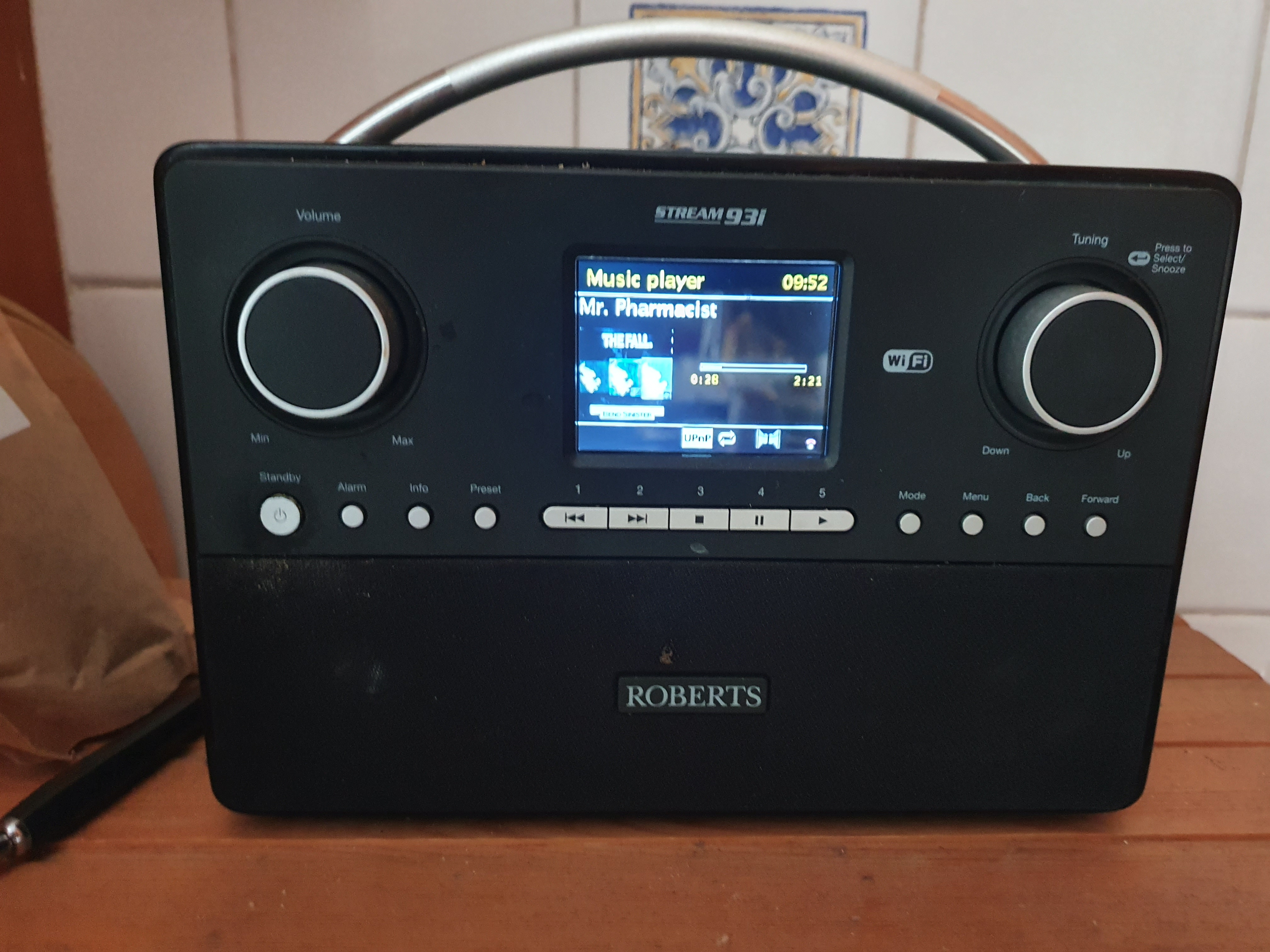
Roberts-Radio.jpg

how I ditched iTunes and started living with Foobar 2000

[Obligatory hat tip to How to stop defragmenting and start living. As an aside, if you're an Oracle DBA and havent read this whitepaper, please do so. Now.]

I have used various devices and software over my 76 years on this planet to listen to music:

  • Record player
  • Cassette player
  • Transistor radio
  • Ears
  • WinAmp
  • SonicStage
  • Windows Media Player

18 months ago, I finally caved in and bought an iTouch which I use a lot; mainly for listening to music and podcasts at airports.

I duly downloaded iTunes in order to get my music library onto the iTouch. I seem to remember that iTunes couldn't play Windows Media Player files which was slightly irritating. In any case, with a sense of a new beginning and a fresh, clean start, I re-ripped all my music CD's into Apple's AAC format, added the missing album artwork and synchronised my music, photos and applications to the iTouch.

Over the last 18 months, Apple proceeded to add more and more 'features' to iTunes which I don't want or need:

  • Tighter integration with the iTunes store
  • Genius - some sort of recommendation engine closely linked to the above
  • Jukebox
  • A default assumption that I also wanted to install additional software packages: QuickTime, Safari and Mobile Me.

When Apple recently released iTunes 9, I suddenly realised I was downloading 98.4MB - just to play music.

It slowly dawned on me that, whenever I started iTunes, my (admittedly ageing PC) was unusable for 40 seconds while iTunes initialised and CPU usage hit the roof.

I also realised that iTunes consumed a staggering 82MB of physical memory while playing a tune and this excessive memory consumption could increase to 134MB after connecting to the iTunes store.

I realised this was madness. Complete madness. Finally, I came to my senses and sought out alternative programs to replace the oversized, obese, bloated, multi-function and very slow iTunes.

I soon discovered Foobar 2000 which is a small, compact, lighweight audio player for Windows. I downloaded the program and was immediately struck by the size of the Foobar2000 distribution - 2,985KB, 2.81MB or 3,056,036 bytes to be precise.

This was already promising so I installed the program. I was pleasantly surprised that Foobar quickly imported my existing iTunes music library in its entirety and I was immediately able to play AAC encoded music. No need for additional plugins or codecs.

Foobar-Default-Player

I was also pleasantly surprised to see Foobar 2000 start up instantaneously (no delay or hourglass here) and consume a slightly more reeasonable 25,888KB of memory.

However, all of this was redundant unless I could actually synchronise music to the iTouch as using two completely separate programs to mange my music was self-defeating. So I downloaded a Foobar extension promisingly named 'Ipod Manager' and configured it.

For a complete fresh start, I took the rather brave (or stupid) move of completely resetting the iTouch to the factory settings which deleted all data and promptly hit 'Sync' in Foobar.

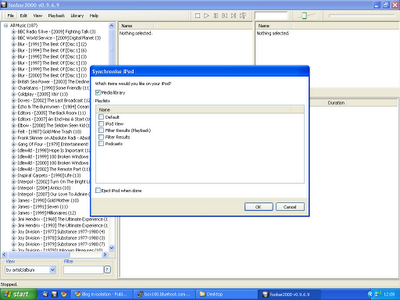
Foobar-iPodSync

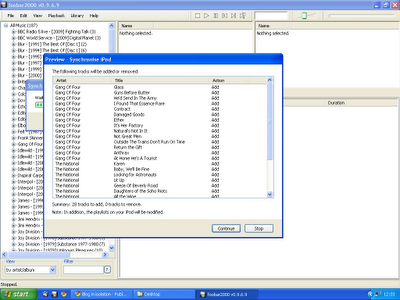
Although it took a while, synchronisation was 100% successful and I even got a 'Preview' of what songs were going to added/removed from the iTouch. This feature was incredibly useful as it gives you a chance to abort if your entire music library is going to be (unexpectedly) deleted.

Foobar-SyncPreview

There were some minor issues - not all album covers were displayed on the iTouch. I discovered that iTunes embeds album artwork in the AAC file. I preferred Foobar's method of adding the album art to the folder as 'Cover.jpg' so you have complete control over the images used. Later on, I actually removed the embedded artwork completely.

What else was missing ? I previously used iTunes to manage podcasts although this was never really satisfactory as iTunes had a weird concept of when the status of a podcast should be modified to 'Listened'. I rather thought listening from start to finish would qualify but Apple obviously disagreed and repeatedly kept sync'ing old content onto the iTouch.

Foobar had another useful extension called 'PodCatcher' which worked brilliantly. It would automatically download new podcasts (in the background) and I was able to easily sync to the iTouch simply by including the new 'Podcasts' category to the synchronisation list.

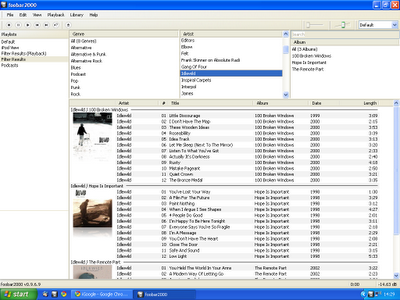
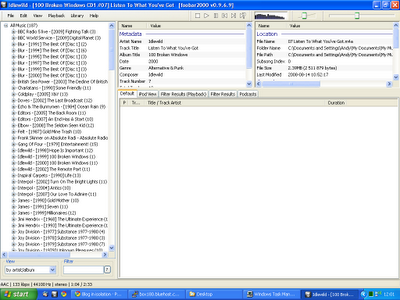
I wasn't completely happy with the default UI of Foobar so I used the Columns UI extension to make it look slightly more usable with the album artwork displayed.

Foobar-ColumnsUI

Foobar 2000 really is the complete music player - once you add the appropriate encoders, it can play virtually music in any format (FLAC, WMA, AAC, WavPack, Ogg Vorbis et al).

One great feature is that Foobar can perform conversion between the various formats. If I can summon up the energy to re-rip all my CD's yet again, I plan to rip all my music to a lossless format (FLAC) and Foobar would dynamically convert to the required lossy, compressed format during the sync to the iTouch.

Another couple of useful extensions for Foobar:

Although I am now blissfully almost iTunes free, I still need to use iTunes to update the software on the iTouch but I am delighted to say that is the sole extent of my iTunes usage. If I need to install any applications on the iTouch, I can do that directly from the iTouch.

It was particularly satisfying to copy my Foobar configuration and music library to my work laptop and completely remove iTunes from that computer.

SonicStage 3.3 released

Don't know where, don't know when but SonicStage 3.3 is available.

Includes ATRAC Lossless format, ripping WMA CDs, wider range of bitrates for ATRAC3Plus and MP3.

However, SonicStage remains the only software application in the modern world without a 'Check for updates' option.