Oracle finally released the long anticipated 26.1 release of APEX yesterday. Here are the steps I followed to upgrade from APEX 24.2 on Oracle Linux 9.
Oracle 26ai database
Oracle database version 26ai (23.26) was already installed and configured. This is the recommended database version for APEX 26.1 although Oracle database 19c (19.18 or higher) is also supported.
$ sqlplus / as sysdba

SQL*Plus: Release 23.26.1.0.0 - Production on Fri May 15 12:06:39 2026
Version 23.26.1.0.0

Connected to an idle instance.
SQL> startup
ORACLE instance started.
Total System Global Area 6439552584 bytes
Fixed Size          5023304 bytes
Variable Size        3372220416 bytes
Database Buffers     3053453312 bytes
Redo Buffers            8855552 bytes
Database mounted.
Database opened.
Oracle listener
$ lsnrctl start
LSNRCTL for Linux: Version 23.26.1.0.0 - Production on 15-MAY-2026 12:08:40

Starting /opt/oracle/product/26ai/dbhome_1/bin/tnslsnr: please wait...
TNSLSNR for Linux: Version 23.26.1.0.0 - Production
Log messages written to /opt/oracle/diag/tnslsnr/ol9-26/listener/alert/log.xml
Listening on: (DESCRIPTION=(ADDRESS=(PROTOCOL=tcp)(HOST=ol9-26.localdomain)(PORT=1521)))

Connecting to (ADDRESS=(PROTOCOL=tcp)(HOST=)(PORT=1521))
STATUS of the LISTENER
------------------------
Alias                     LISTENER
Version                   TNSLSNR for Linux: Version 23.26.1.0.0 - Production
Start Date                15-MAY-2026 12:08:41
Uptime                    0 days 0 hr. 0 min. 0 sec
Trace Level               off
Security                  ON: Local OS Authentication
SNMP                      OFF
Listener Log File         /opt/oracle/diag/tnslsnr/ol9-26/listener/alert/log.xml
Listening Endpoints Summary...
  (DESCRIPTION=(ADDRESS=(PROTOCOL=tcp)(HOST=ol9-26.localdomain)(PORT=1521)))
The listener supports no services
The command completed successfully
ORDS
ORDS 26.1.1 was released on 14 May 2026 in conjunction with the release of APEX 26.1. Upgrading ORDS to 26.1.1 from 26.1 is required to support the APEXlang functionality but a trivial upgrade (from 26.1).
$ /u01/ords/bin/ords install
ORDS: Release 26.1 Production on Fri May 15 11:13:03 2026

Configuration:
  /u01/config/ords
Oracle REST Data Services - Interactive Install
  Enter a number to select the database pool to upgrade ORDS or create an additional database pool
    [1] default      jdbc:oracle:thin:@//ol9-26.localdomain:1521/pdb1
    [C] Create an additional database pool
  Choose [1]:
  Provide database user name with administrator privileges.
    Enter the administrator username: ORDSADMIN: ******
  Enter the database password for ORDSADMIN: ******

Retrieving information.
Connecting to database user: ORDS_PUBLIC_USER url: jdbc:oracle:thin:@//ol9-26.localdomain:1521/pdb1
2026-05-15T11:13:28.912Z INFO        The log file is defaulted to the current working directory located at /u01/ords/logs/
2026-05-15T11:13:28.988Z INFO        Upgrading Oracle REST Data Services schema 26.1.0.r0900845 to version 26.1.1.r1321130 in PDB1
2026-05-15T11:13:47.340Z INFO        Completed upgrade for Oracle REST Data Services version 26.1.1.r1321130. Elapsed time: 00:00:18.168
2026-05-15T11:13:47.342Z INFO        Log file written to /u01/ords/logs/ords_upgrade_2026-05-15_111328_91638.log
Check the ORDS version is correct.
$ ords --version
ORDS: Release 26.1 Production on Fri May 15 11:14:25 2026

Configuration:
  /u01/config/ords
Oracle REST Data Services 26.1.1.r1321130
APEX
Download APEX 26.1 software
$ wget https://download.oracle.com/otn_software/apex/apex-latest.zip
$ mkdir ~/software/APEX/apex-26.1
$ cd ~/software/APEX/apex-26.1
$ unzip ~/apex-latest.zip
Upgrade to APEX 26.1
$ sqlplus / as sysdba

SQL> alter session set container=PDB1;

SQL> @apexins APEX APEX TEMP /i/
  ...set_appun.sql
PL/SQL procedure successfully completed.
...set_ufrom_and_upgrade.sql
PL/SQL procedure successfully completed.

. ORACLE
.
. Oracle APEX Installation.
..........................................
.
...set_appun.sql
... Checking prerequisites (MANUAL)
.
. SYSDBA Privilege
.   pass - Connection with SYSDBA privilege.
. Database rolling upgrade
.   pass - No rolling upgrade.
. DB components
.   pass - Database version: 23.26.1.0.0
.   pass - APEX: version=24.2.0, status=INVALID
.   pass - XDB: version=23.0.0.0.0
. XDB
.   pass - is valid
. DB parameters
.   pass - workarea_size_policy is AUTO
. PL/SQL Web Toolkit
.   pass - version 20.0.0.0.1
. Tablespaces
.   pass - found APEX
.   pass - found APEX
.   pass - found TEMP
. PHASES (1,2,3)...

PL/SQL procedure successfully completed.

.
... Prerequisite checks passed.
.
...gen_adm_pwd.sql
Phase 1 (Installation)
#
# Bootstrapping
#
...apxsqler_exit.sql
...setting session environment
...Configuring SHARING clause
...Creating users
...create user APEX_260100
...core_grants.sql
...grant APEX owner core privileges
...done grant APEX owner core privileges
...Creating APEX_260100 Install Objects
...wwv_flows_release
...wwv_flows_apexlang_version
...wwv_install_api.sql
No errors.
...wwv_install_tabs.sql
...wwv_install_seq
...wwv_install$
...wwv_install_action$
...wwv_install_error$
...wwv_flow_install_errors
No errors.
...wwv_install_api.plb
No errors.
...wwv_install_error$_bi
No errors.
#
# Proceeding with upgrade installation.
#
timing for: Bootstrapping
Elapsed:    0.13
#
# Creating APEX_GRANTS_FOR_NEW_USERS_ROLE
#
APEX_ADMINISTRATOR_READ_ROLE exists.
APEX_ADMINISTRATOR_ROLE exists.
APEX_GRANTS_FOR_NEW_USERS_ROLE exists.

timing for: Creating APEX_GRANTS_FOR_NEW_USERS_ROLE
Elapsed:    0.02
#
# Creating SYS Objects
#
No errors.
...wwv_util_APEX_260100
No errors.
...wwv_util_APEX_260100
No errors.
... Re-using existing key.
...sys.wwv_flow_val
No errors.
...wwv_flow_val
No errors.
...CONNECT as the Oracle user who will own the Oracle APEX engine

timing for: Creating SYS Objects
Elapsed:    0.00
#
# Creating APEX Tables
#
...flows_files_upgrade
...create or upgrade wwv_flow_file_objects
...create flow objects
GENERIC OBJECTS
WORKSPACE
SESSION STATE MANAGEMENT
PROPERTY EDITOR
APPLICATION > SHARED COMPONENTS > CREDENTIALS
APPLICATION > SHARED COMPONENTS > REMOTE SERVERS
APPLICATION
...wwv_flow_application_groups
...wwv_flows_reserved
...wwv_flow_pages_reserved
WORKSPACE USERS AND GROUPS
...wwv_flow_fnd_user
...wwv_flow_developers
...wwv_flow_password_history
...wwv_flow_fnd_user_groups
...wwv_flow_fnd_group_users
...wwv_flow_fnd_group_groups
...wwv_flow_acl_group_users
...wwv_flow_preferences$
...wwv_flow_persistent_auth$
APPLICATION > SHARED COMPONENTS > DATA PROFILES
APPLICATION > SHARED COMPONENTS > WEB SOURCES
<snip>
#
# Installing 4155
#
PL/SQL procedure successfully completed.

--application/set_environment
API Last Extended:20260330
Your Current Version:20260330
This import is compatible with version: 20260330
COMPATIBLE (You should be able to run this import without issues.)
ID offset during import: 0
New ID offset for application: 0
APPLICATION 4155 - Scheme Authentication Login
--application/delete_application
--application/create_application
--application/shared_components/plugins/authentication_type/com_oracle_authentication_4155
--application/plugin_settings
--application/shared_components/navigation/listentry
--application/shared_components/files/icons_app_icon_192_png
--application/shared_components/security/authorizations/sso_authentication
--application/shared_components/navigation/navigation_bar
--application/shared_components/logic/application_items/ai_service
--application/shared_components/logic/application_items/fsp_after_login_url
--application/shared_components/logic/application_computations/ai_service
--application/shared_components/logic/application_settings
--application/shared_components/navigation/tabs/standard
--application/shared_components/navigation/tabs/parent
--application/pages/page_groups
--application/shared_components/navigation/breadcrumbentry
--application/shared_components/user_interface/themes
--application/shared_components/user_interface/theme_style
--application/shared_components/security/authentications/authentication
--application/user_interfaces/combined_files
--application/pages/page_00001
--application/pages/page_00050
--application/pages/page_00099
--application/pages/page_00200
--application/pages/page_01000
--application/shared_components/logic/component_groups/builder_shared_components
--application/deployment/definition
--application/deployment/checks
--application/deployment/buildoptions
--application/end_environment
... elapsed: .95 sec
...done

timing for: Installing 4155
Elapsed:    0.02
#
# Installing Central Themes
#
PL/SQL procedure successfully completed.

Oracle APEX Central Themes

...Installing Universal Theme

--application/set_environment
API Last Extended:20260330
Your Current Version:20260330
This import is compatible with version: 20260330
COMPATIBLE (You should be able to run this import without issues.)
ID offset during import: 0
New ID offset for application: 0
APPLICATION 8842 - Universal Theme Legacy
--application/delete_application
--application/create_application
--application/shared_components/plugins/template_component/theme_42_avatar
--application/shared_components/plugins/template_component/theme_42_badge
--application/shared_components/plugins/template_component/theme_42_button
--application/shared_components/plugins/template_component/theme_42_comments
--application/shared_components/plugins/template_component/theme_42_content_row
--application/shared_components/plugins/template_component/theme_42_media_list
--application/shared_components/plugins/template_component/theme_42_timeline
--application/plugin_settings#
<snip>
#
# Recompiling APEX_260100
#
...reset_state_and_show_invalid.sql

timing for: Recompiling APEX_260100
Elapsed:    0.43
#
# Installing APEX REST Config
#
...gen_adm_pwd.sql
...set_appun.sql
...setting session environment
...create APEX_LISTENER and APEX_REST_PUBLIC_USER users
...grants for APEX_LISTENER and ORDS_METADATA user
INFO: 12:29:28 Setup the APEX REST migration privileges using APEX_260100 schema version 26.1.0
INFO: 12:29:28 grant execute on "ORDS_METADATA"."ORDS_MIGRATE" to "APEX_260100"
INFO: 12:29:28 Configuring APEX and ORDS schemas for url mapping
INFO: 12:29:28 Made APEX_PUBLIC_USER proxiable from ORDS_PUBLIC_USER
INFO: 12:29:28 Made APEX_REST_PUBLIC_USER proxiable from ORDS_PUBLIC_USER
INFO: 12:29:28 APEX_POOL_CONFIG Synonym exists
INFO: 12:29:28 grant select on "APEX_260100"."WWV_FLOW_POOL_CONFIG" to "ORDS_RUNTIME_ROLE"
INFO: 12:29:28 Created ORDS_METADATA.APEX_WWV_FLOW_POOL_CONFIG as view over APEX_260100.WWV_FLOW_POOL_CONFIG
INFO: 12:29:28 grant select on "ORDS_METADATA"."APEX_WWV_FLOW_POOL_CONFIG" to "ORDS_RUNTIME_ROLE"
INFO: 12:29:28 Created ORDS_METADATA.UNIFIED_POOL_CONFIG view.
INFO: 12:29:28 grant select on "ORDS_METADATA"."UNIFIED_POOL_CONFIG" to "ORDS_RUNTIME_ROLE"
Found APEX 26.1.0. Migrating APEX entry points to ORDS PL/SQL Procedure Gateway Allow List
Invoking APEX API...
Found APEX 26.1.0. Granting execute on ORDS_APEX_SSO package to "APEX_260100"
INFO: 12:29:28 APEX schema: APEX_260100
Updated ORDS views and synonyms successfully.
INFO: 12:29:28 Setup the APEX REST migration privileges using APEX_260100 schema version 26.1.0
INFO: 12:29:28 grant execute on "ORDS_METADATA"."ORDS_MIGRATE" to "APEX_260100"
INFO: 12:29:28 Configuring APEX and ORDS schemas for url mapping
INFO: 12:29:28 Made APEX_PUBLIC_USER proxiable from ORDS_PUBLIC_USER
INFO: 12:29:28 Made APEX_REST_PUBLIC_USER proxiable from ORDS_PUBLIC_USER
INFO: 12:29:28 APEX_POOL_CONFIG Synonym exists
INFO: 12:29:28 grant select on "APEX_260100"."WWV_FLOW_POOL_CONFIG" to "ORDS_RUNTIME_ROLE"
INFO: 12:29:28 Created ORDS_METADATA.APEX_WWV_FLOW_POOL_CONFIG as view over APEX_260100.WWV_FLOW_POOL_CONFIG
INFO: 12:29:28 grant select on "ORDS_METADATA"."APEX_WWV_FLOW_POOL_CONFIG" to "ORDS_RUNTIME_ROLE"
INFO: 12:29:28 Created ORDS_METADATA.UNIFIED_POOL_CONFIG view.
INFO: 12:29:28 grant select on "ORDS_METADATA"."UNIFIED_POOL_CONFIG" to "ORDS_RUNTIME_ROLE"
Found APEX 26.1.0. Migrating APEX entry points to ORDS PL/SQL Procedure Gateway Allow List
Invoking APEX API...
Found APEX 26.1.0. Granting execute on ORDS_APEX_SSO package to "APEX_260100"
INFO: 12:29:29 APEX schema: APEX_260100
Updated ORDS views and synonyms successfully.

timing for: Installing APEX REST Config
Elapsed:    0.03
#
# Set Loaded/Upgraded in Registry
#
timing for: Set Loaded/Upgraded in Registry
Elapsed:    0.00
#
# Removing Unused SYS Objects and Public Privs
#
...drop view sys.flow_sessions
...drop view sys.flow_parameters
...drop view sys.flow_sqlarea
...drop view sys.flow_sga
...drop view sys.wwv_flow_gv$session

timing for: Removing Unused SYS Objects and Public Privs
Elapsed:    0.00
#
# Validating Installation
#
...(12:29:29) Starting validate_apex for APEX_260100
...(12:29:29) Checking missing privileges for APEX_260100
...(12:29:31) Checking missing privileges for APEX_GRANTS_FOR_NEW_USERS_ROLE
...(12:29:31) Re-generating APEX_260100.wwv_flow_db_version
... wwv_flow_db_version is up to date
...(12:29:31) Checking for sys.wwv_flow_cu_constraints
...(12:29:31) Checking for the existence of APEX public synonyms
...(12:29:31) Checking invalid public synonyms
...(12:29:31) Key object existence check
...(12:29:34) Post-ORDS updates
...(12:29:34) calling wwv_util_apex_260100.post_ords_upgrade
...enabled_schema
...define_module
...define_template
...define_handler
...set_module_origins_allowed
...(12:29:35) Setting DBMS Registry for APEX to valid
...(12:29:35) Exiting validate_apex
JOB_QUEUE_PROCESSES: 40

timing for: Validating Installation
Elapsed:    0.10
#
# Actions in Phase 3:
#
    ok 1 - BEGIN                            |   0.00
    ok 2 - Updating DBA_REGISTRY                    |   0.00
    ok 3 - Computing Pub Syn Dependents                 |   0.02
    ok 4 - Invalidating Pub Syn Dependents              |   0.02
    # 4 objects
    ok 5 - Upgrade Hot Metadata and Switch Schemas          |   0.00
    ok 6 - Removing Jobs                        |   0.00
    ok 7 - Init Phase HOT                       |   0.02
    ok 8 - Determining whether APEX is in use               |   0.00
    ok 9 - Setting Patch Status: APPLYING               |   0.02
    ok 10 - Removing FLOWS_FILES grants and synonyms            |   0.03
    ok 11 - Purging Expired Sessions                    |   0.00
    ok 12 - Purging Builder Sessions                    |   0.00
    ok 13 - Dropping Upgrade Triggers in APEX_240200            |   0.03
    ok 14 - Creating Upgrade Triggers                   |   0.00
    ok 15 - Increment Sequences                     |   0.00
    ok 16 - Disabling Constraints and Triggers              |   0.02
    ok 17 - Copying WWV_FLOW_WORKSHEET_RPTS - 1/37          |   0.00
    # UPGRADE_PARALLEL_DEGREE: 1
    ok 18 - create mapping table for WWV_FLOW_WORKSHEET_RPTS        |   0.00
    ok 19 - Run copy statement for WWV_FLOW_WORKSHEET_RPTS      |   0.00
    # copied 201 rows into WWV_FLOW_WORKSHEET_RPTS
    ok 20 - Rebuilding WWV_FLOW_WS_RPTS_IDX4,WWV_FLOW_WS_BASE_RPT_IDX,WW|   0.00
    ok 21 - Copying WWV_FLOW_WORKSHEET_CONDITIONS - 2/37        |   0.00
    ok 22 - create mapping table for WWV_FLOW_WORKSHEET_CONDITIONS  |   0.00
    ok 23 - Run copy statement for WWV_FLOW_WORKSHEET_CONDITIONS    |   0.00
    # copied 4 rows into WWV_FLOW_WORKSHEET_CONDITIONS
    ok 24 - Rebuilding WWV_FLOW_WS_CONDITIONS_IDX           |   0.00
    ok 25 - Copying WWV_FLOW_WORKSHEET_COMPUTATION - 3/37       |   0.00
    ok 26 - Run copy statement for WWV_FLOW_WORKSHEET_COMPUTATION   |   0.02
    # copied 2 rows into WWV_FLOW_WORKSHEET_COMPUTATION
    ok 27 - Rebuilding WWV_FLOW_WS_COMP_COLS_IDX,WWV_FLOW_WS_COMP_COLS_I|   0.00
    ok 28 - Copying WWV_FLOW_WORKSHEET_NOTIFY - 4/37            |   0.00
    ok 29 - Run copy statement for WWV_FLOW_WORKSHEET_NOTIFY        |   0.00
    # copied 0 rows into WWV_FLOW_WORKSHEET_NOTIFY
    ok 30 - Rebuilding WWV_FLOW_WORKSHEET_NTFY_IDX3,WWV_FLOW_WORKSHEET_N|   0.00
    ok 31 - Copying WWV_FLOW_WORKSHEET_GROUP_BY - 5/37          |   0.00
    ok 32 - Run copy statement for WWV_FLOW_WORKSHEET_GROUP_BY      |   0.00
    # copied 1 rows into WWV_FLOW_WORKSHEET_GROUP_BY
    ok 33 - Rebuilding WWV_FLOW_WS_GROUPBY_IDX4,WWV_FLOW_WS_GROUPBY_IDX,|   0.00
    ok 34 - Copying WWV_FLOW_WORKSHEET_PIVOT - 6/37         |   0.00
    ok 35 - Run copy statement for WWV_FLOW_WORKSHEET_PIVOT     |   0.00
    # copied 0 rows into WWV_FLOW_WORKSHEET_PIVOT
    ok 36 - Rebuilding WWV_FLOW_WS_PIVOT_IDX2,WWV_FLOW_WS_PIVOT_IDX4    |   0.00
    ok 37 - Copying WWV_FLOW_WORKSHEET_PIVOT_AGG - 7/37         |   0.00
    ok 38 - create mapping table for WWV_FLOW_WORKSHEET_PIVOT_AGG   |   0.00
    ok 39 - Run copy statement for WWV_FLOW_WORKSHEET_PIVOT_AGG     |   0.00
<snip>
    # copied 0 rows into WWV_FLOW_WORKFLOW_VARIABLES$
    ok 121 - Rebuilding WWV_WORKFLOW_VAR$_FLOWID_FX,WWV_WORKFLOW_VAR$_VA|   0.00
    ok 122 - Copying WWV_FLOW_WORKFLOW_PARTICIPANT$ - 36/37     |   0.00
    ok 123 - Run copy statement for WWV_FLOW_WORKFLOW_PARTICIPANT$  |   0.00
    # copied 0 rows into WWV_FLOW_WORKFLOW_PARTICIPANT$
    ok 124 - Rebuilding WWV_WORKFLOW_PART$_SGID_FX,WWV_WORKFLOW_PART$_WF|   0.00
    ok 125 - Copying WWV_FLOW_WORKFLOW_AUDIT_LOG$ - 37/37       |   0.00
    ok 126 - Run copy statement for WWV_FLOW_WORKFLOW_AUDIT_LOG$    |   0.00
    # copied 0 rows into WWV_FLOW_WORKFLOW_AUDIT_LOG$
    ok 127 - Rebuilding WWV_WORKFLOW_AUDIT$_TENID_FX,WWV_WORKFLOW_AUDIT$|   0.00
    ok 128 - Upgrading Hot Metadata                 |   0.00
    ok 129 - Enabling Constraints and Triggers              |   0.05
    ok 130 - Purging Expired Sessions                   |   0.00
    ok 131 - Purging Builder Sessions                   |   0.00
    ok 132 - Creating Public Synonyms                   |   0.05
    ok 133 - Granting Public Synonyms                   |   0.12
    ok 134 - Granting to FLOWS_FILES                    |   0.00
    ok 135 - Creating FLOWS_FILES grants and synonyms           |   0.00
    ok 136 - Syncing ORDS Gateway Allow List                |   0.00
    ok 137 - Meta-Cleanup                       |   0.00
    ok 138 - Upgrading Team Development                 |   0.00
    ok 139 - Installing FLOWS_FILES Objects             |   0.02
    ok 140 - Installing APEX$SESSION Context                |   0.00
    ok 141 - Recompiling APEX_260100                    |   0.43
    ok 142 - Installing APEX REST Config                |   0.03
    ok 143 - Set Loaded/Upgraded in Registry                |   0.00
    ok 144 - Setting Patch Status: APPLIED              |   0.00
    ok 145 - Removing Unused SYS Objects and Public Privs       |   0.00
    ok 146 - Dropping Upgrade Triggers in APEX_240200           |   0.00
    ok 147 - Validating Installation                    |   0.10
ok 3 - 147 actions passed, 0 actions failed             |   1.03

Thank you for installing Oracle APEX 26.1.0

Oracle APEX is installed in the APEX_260100 schema.

The structure of the link to the Oracle APEX Administration Services is as follows:
http://host:port/ords/apex_admin

The structure of the link to the Oracle APEX development environment is as follows:
http://host:port/ords/apex

timing for: Phase 3 (Switch)
Elapsed:    1.03

timing for: Complete Installation
Elapsed:   11.98
Upgrade APEX images from CDN
begin
  apex_instance_admin.set_parameter(
      p_parameter => 'IMAGE_PREFIX',
      p_value     => ' https://static.oracle.com/cdn/apex/26.1.0/');
  commit;
end;
Validate APEX version
SQL> select status from dba_registry where comp_id = 'APEX';

STATUS
------
VALID

SQL> select * from apex_release;

VERSION_NO   API_COMPATIBILITY   APEXLANG_VERSION    PATCH_APPLIED
----------   -----------------   ----------------    -------------
26.1.0       2026.03.30          26.1.0+3102         APPLIED
Access APEX 26.1
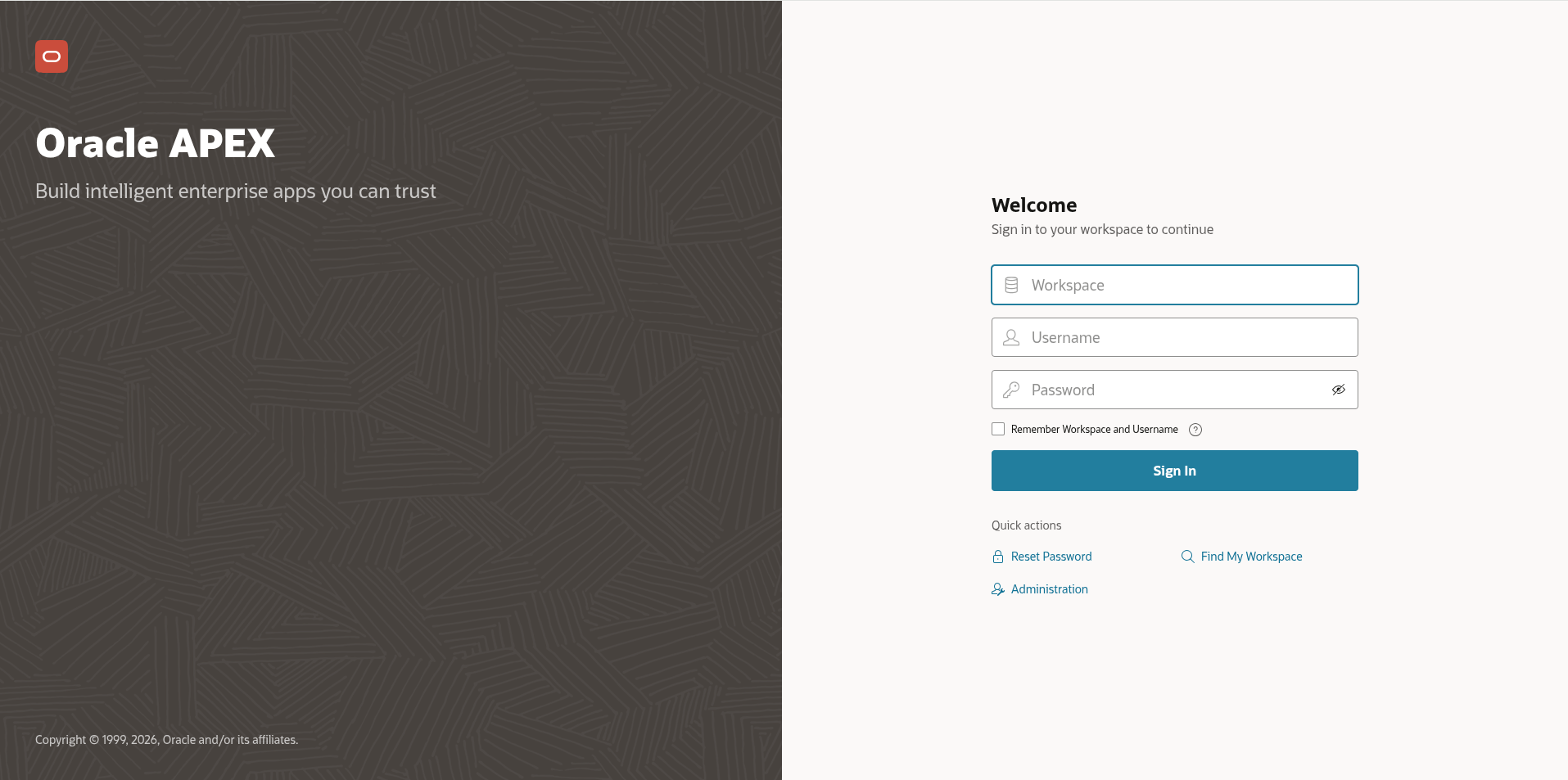
Login screen
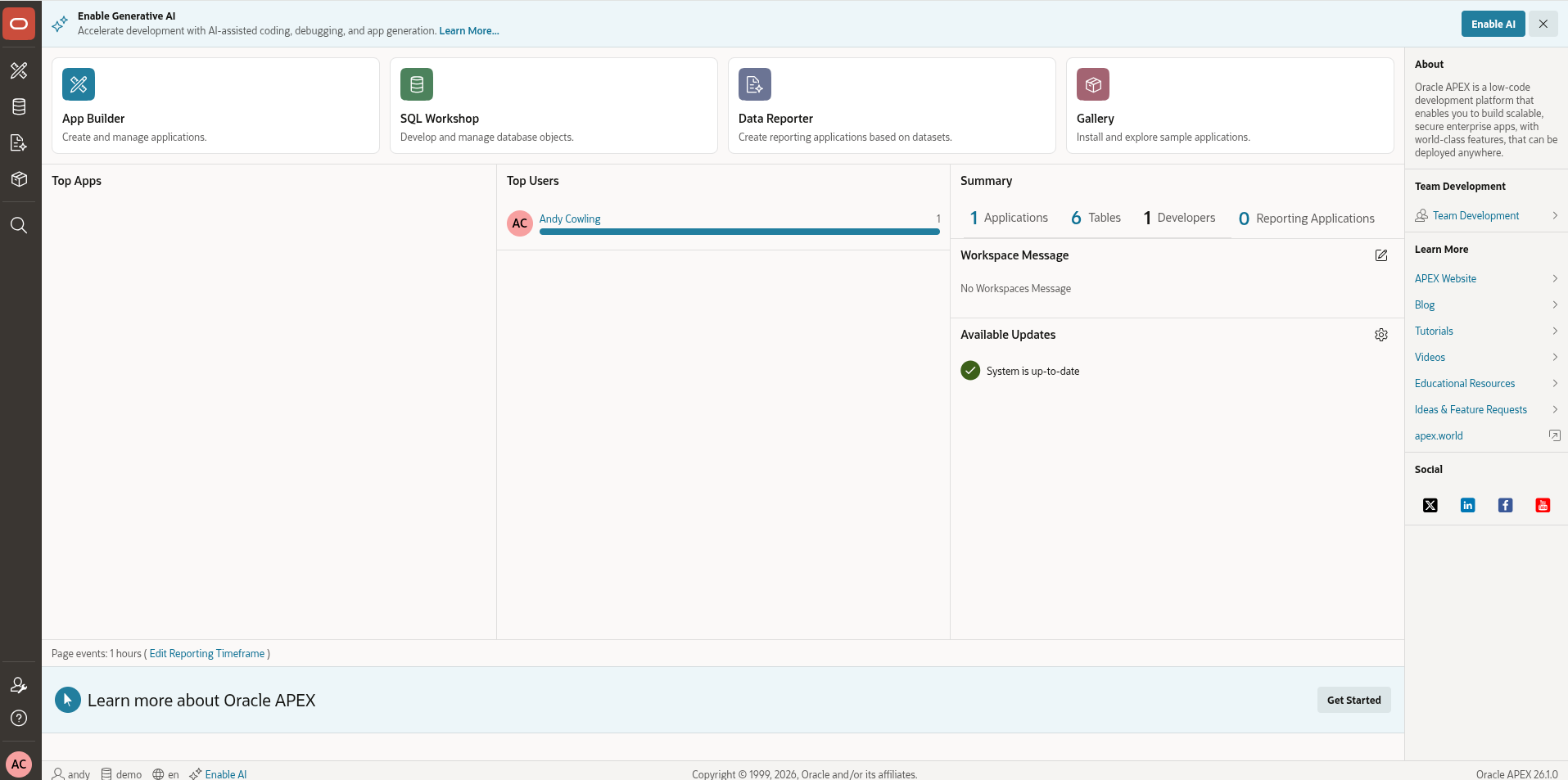
Home page
Upgrade Universal Theme
Navigate to the APEX application. Click 'Shared Components'
Informational message displayed.
'There is a new version of Universal Theme available! You can refresh your theme to take advantage of new features, enhancements, and bug fixes'.
Click 'Refresh Theme'.
The success message should be displayed.
'Successfully refreshed Universal Theme'.
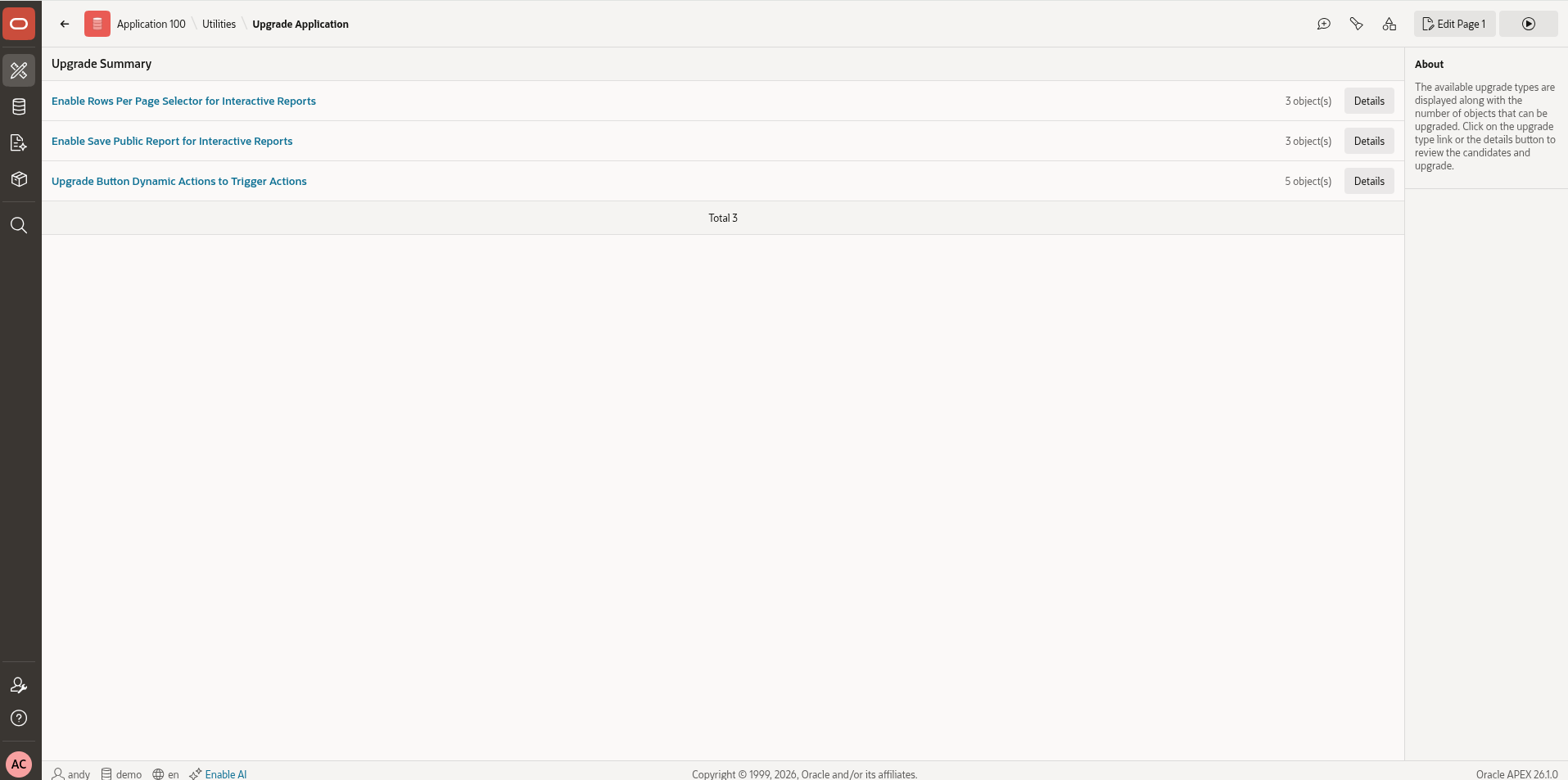
Upgrade APEX applications
Upgrade each application using 'Utilities - Upgrade Application'.
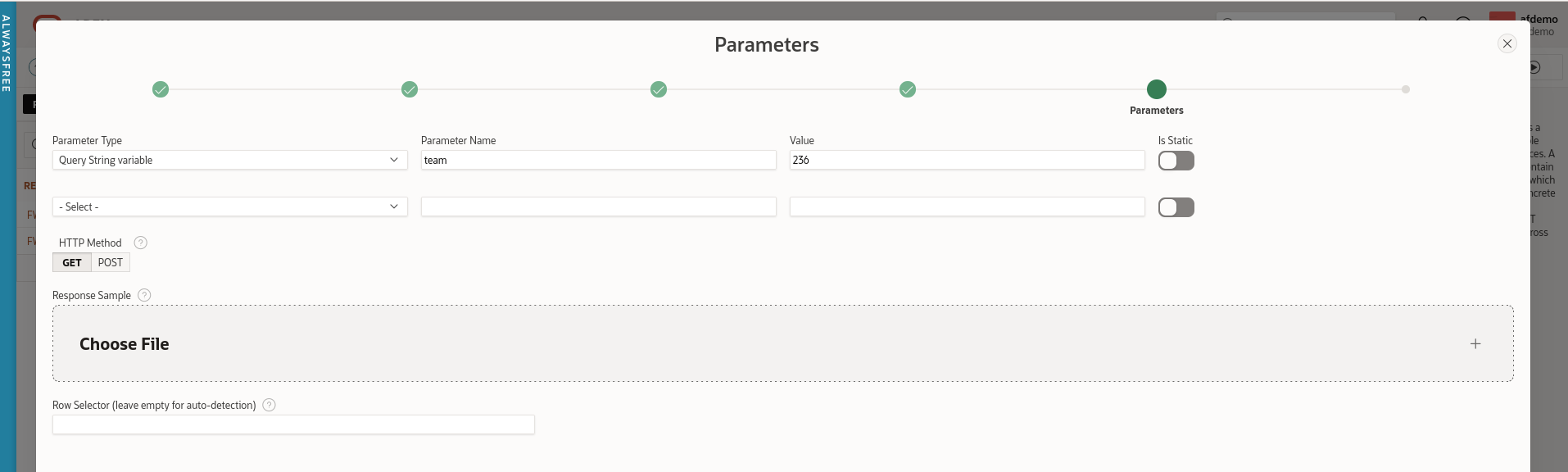
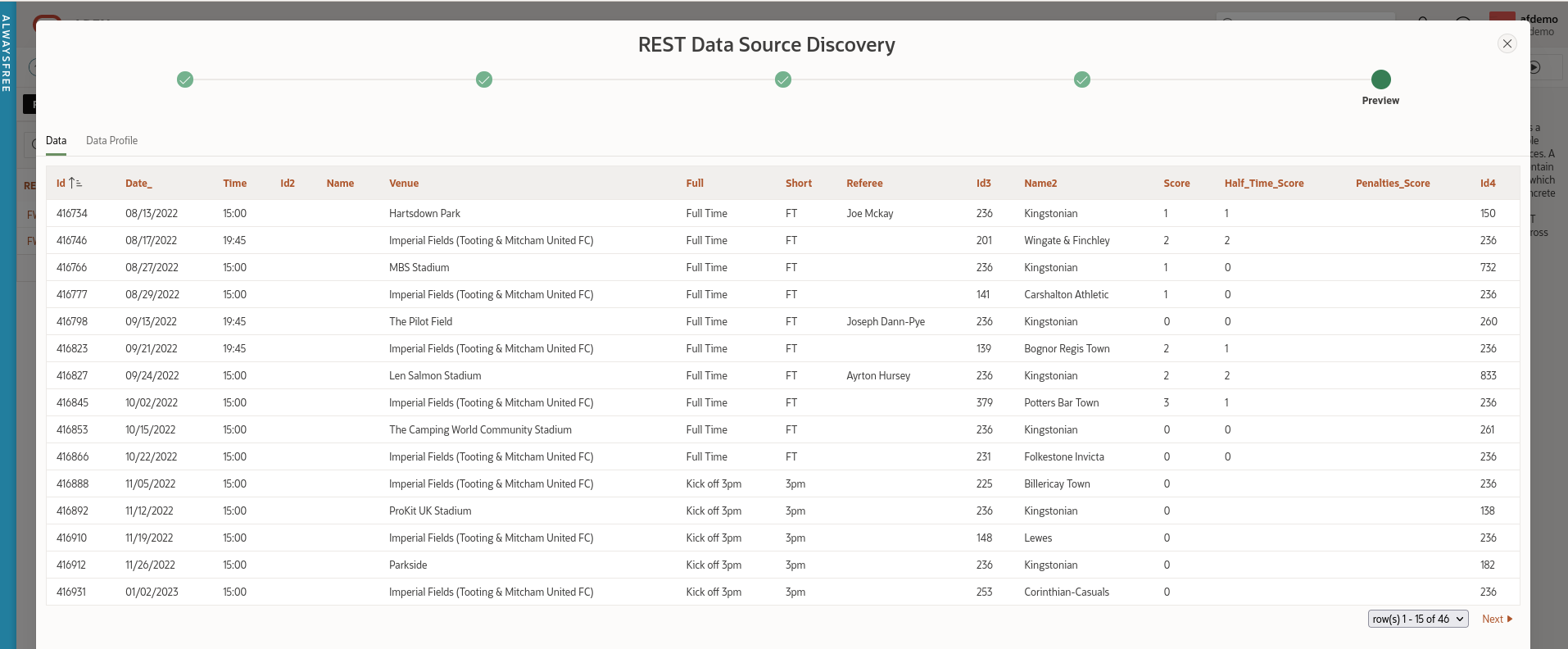
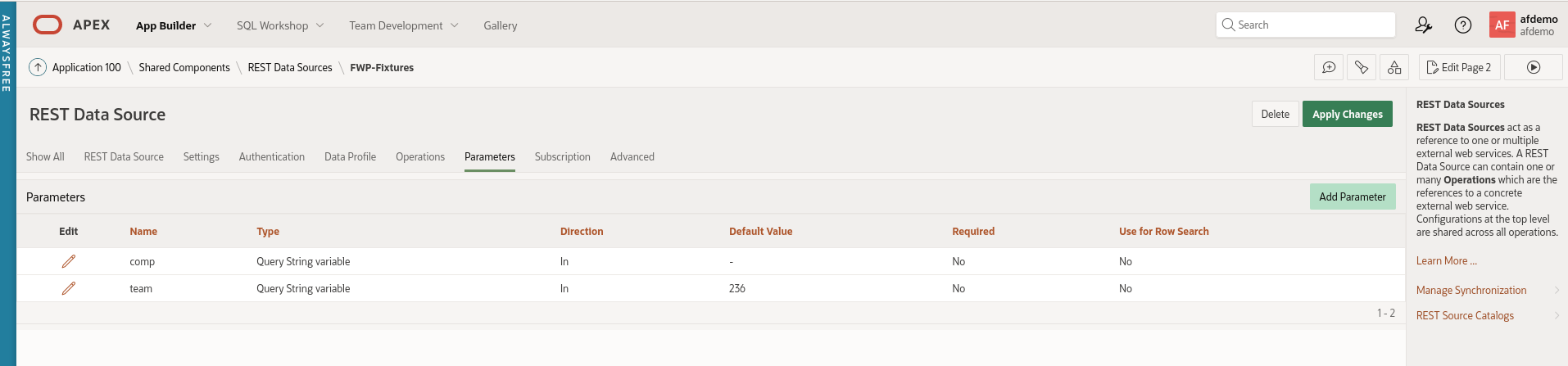
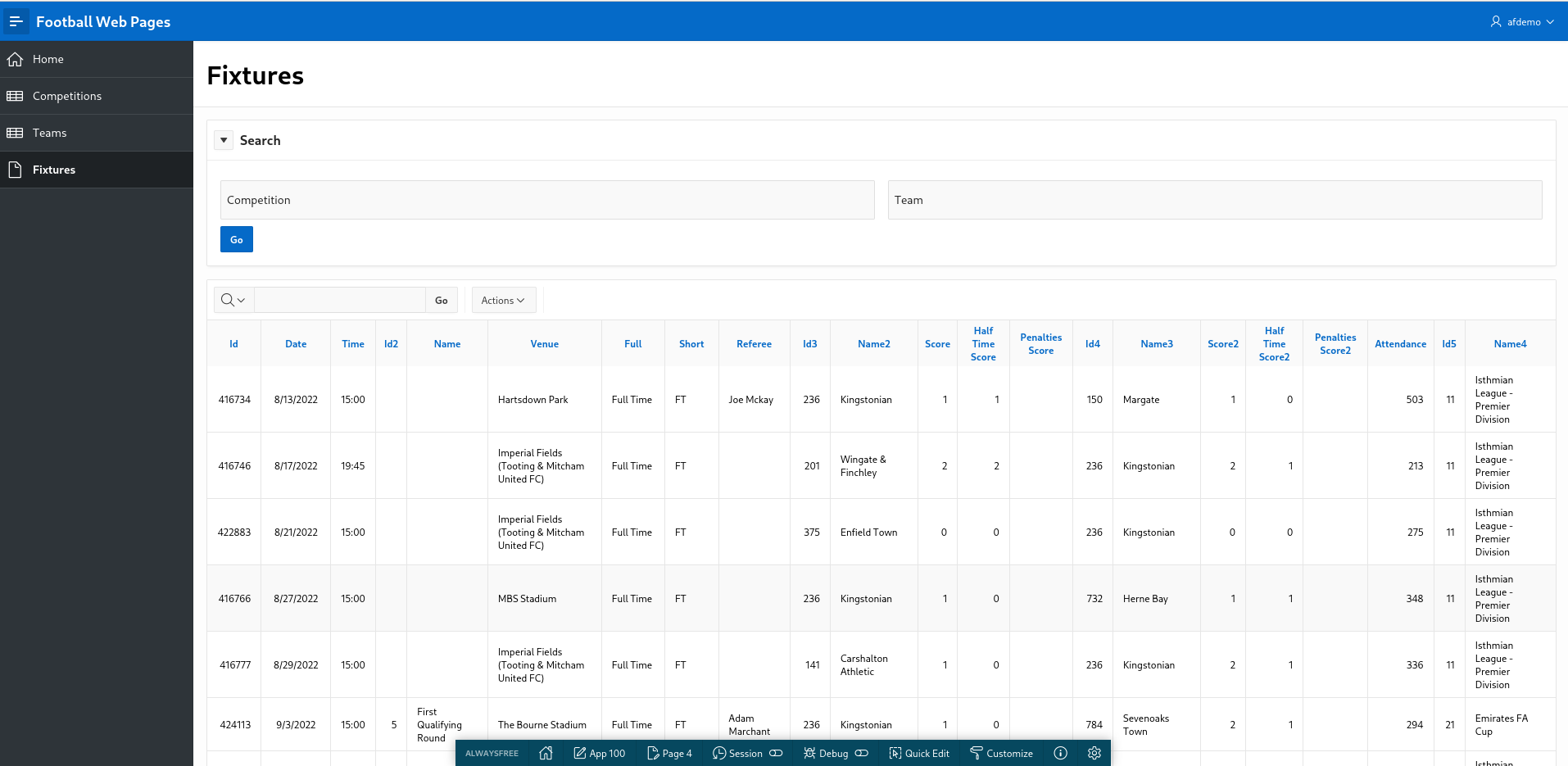
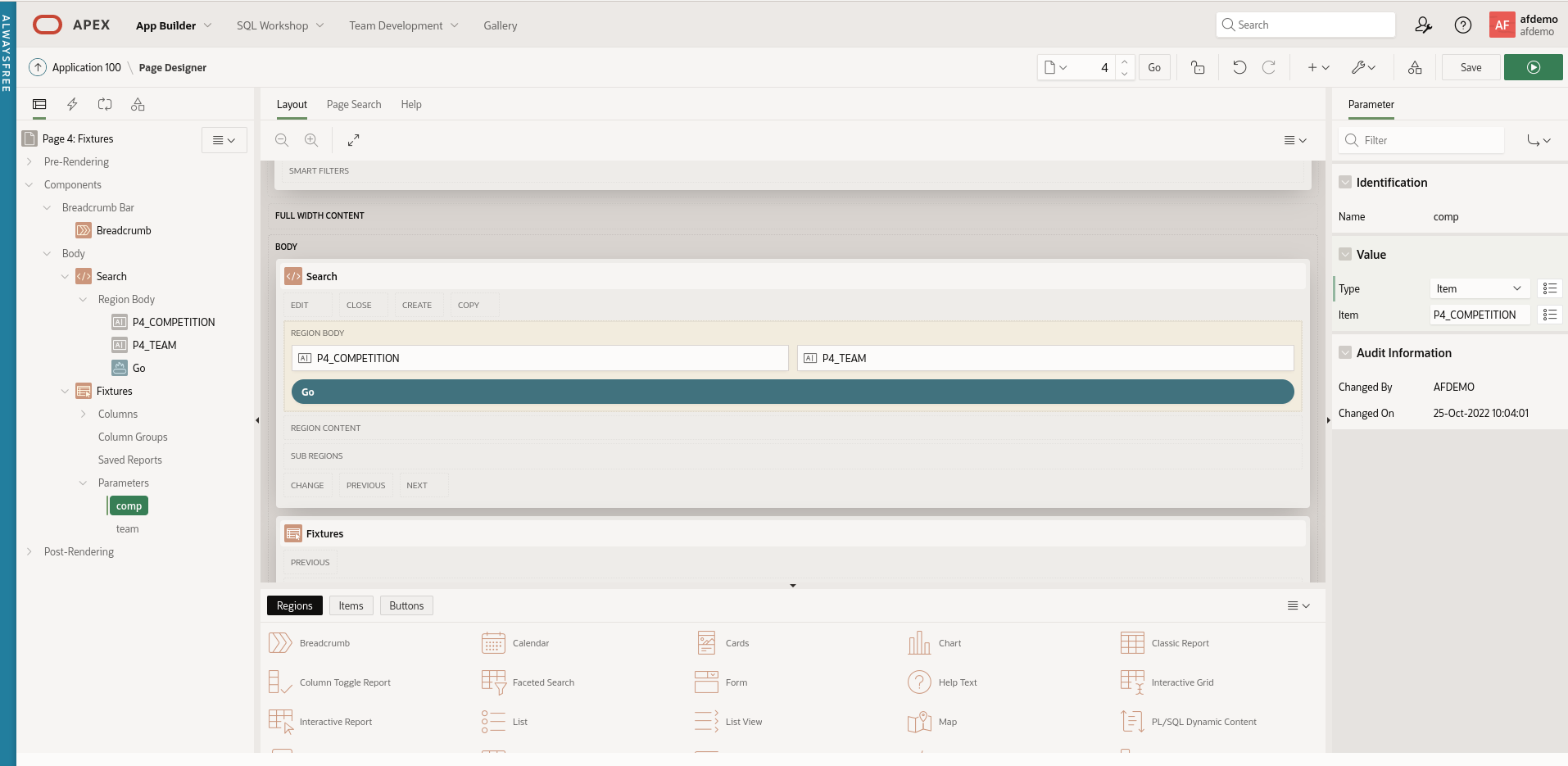
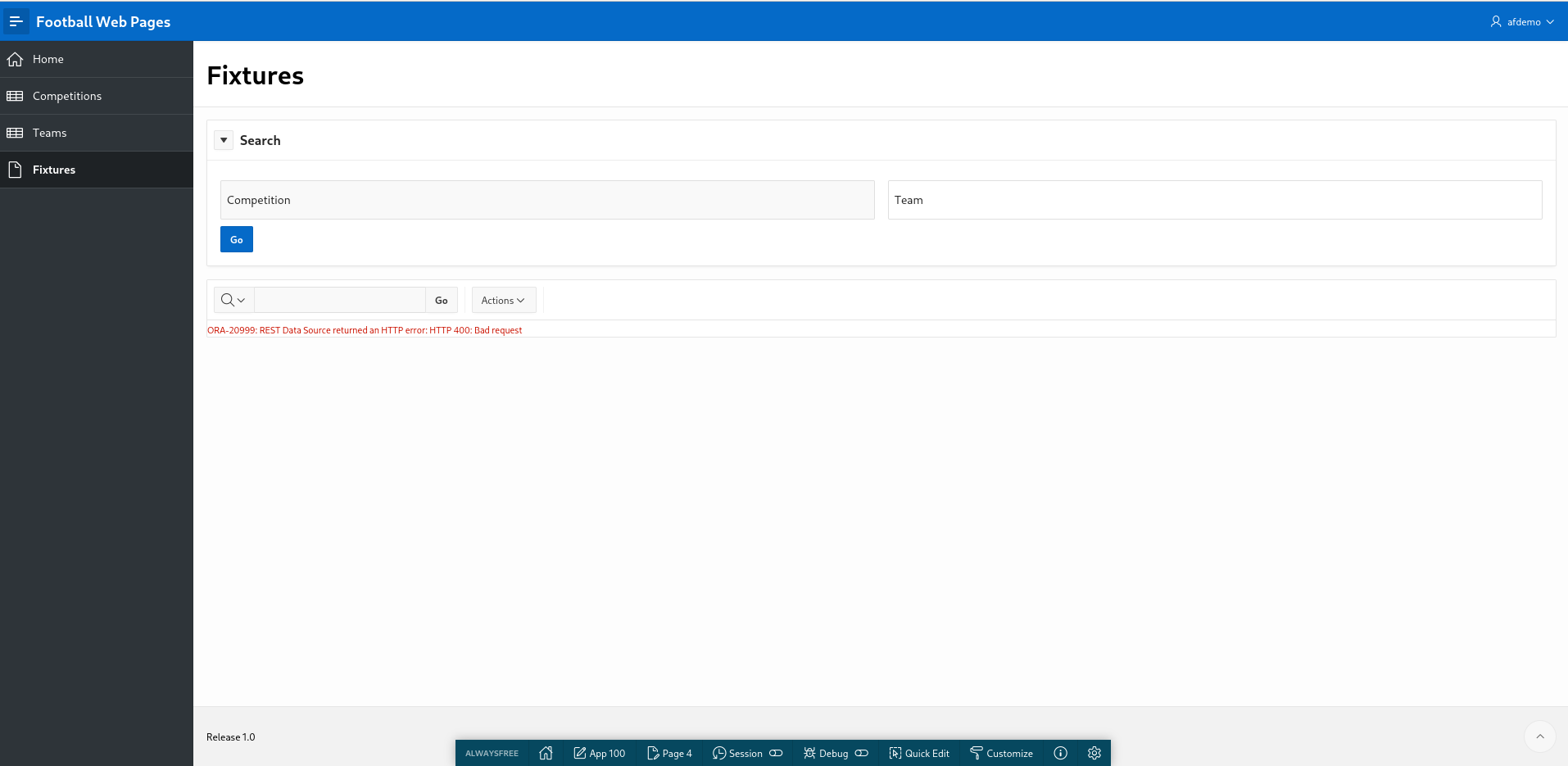
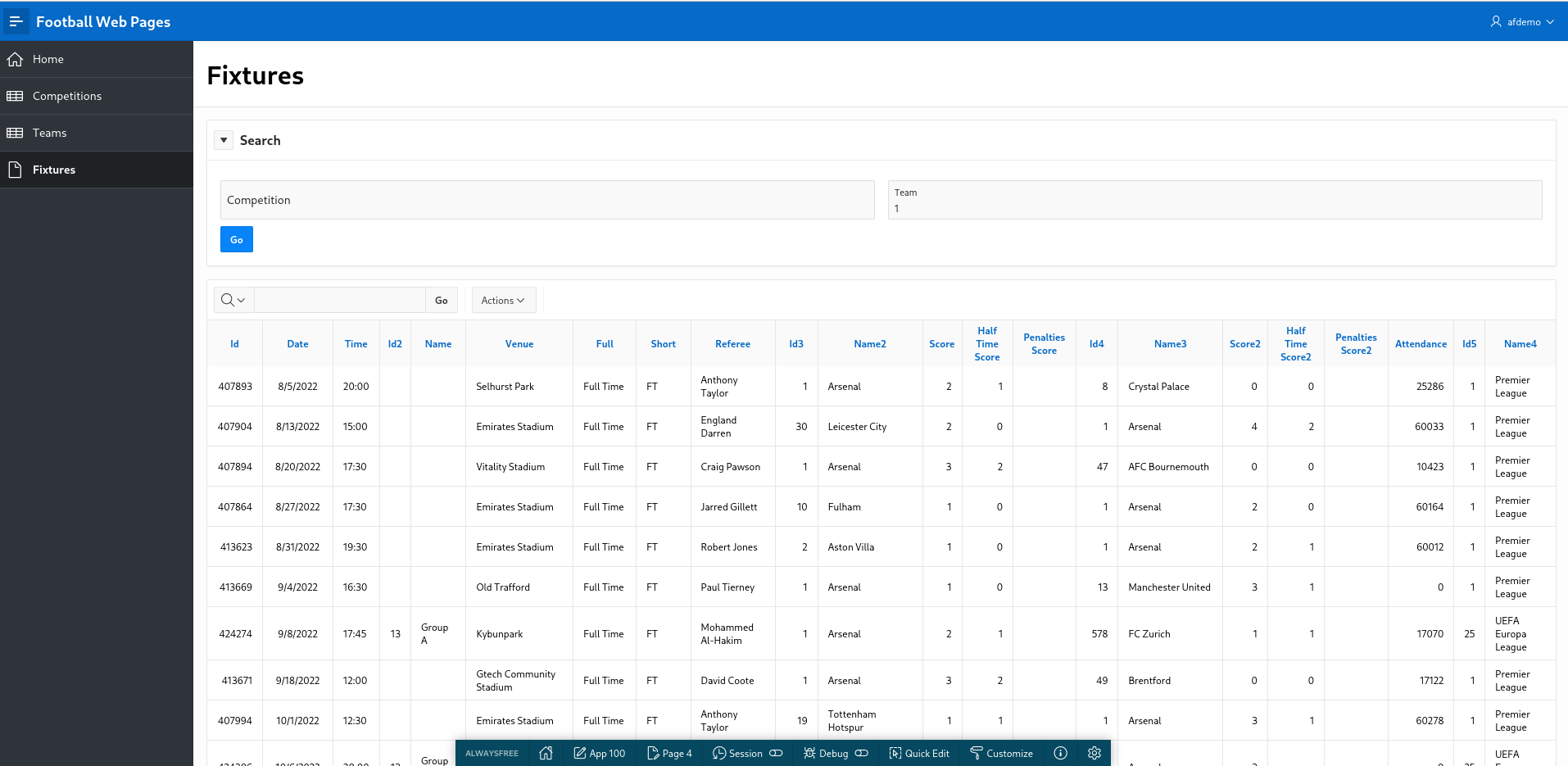
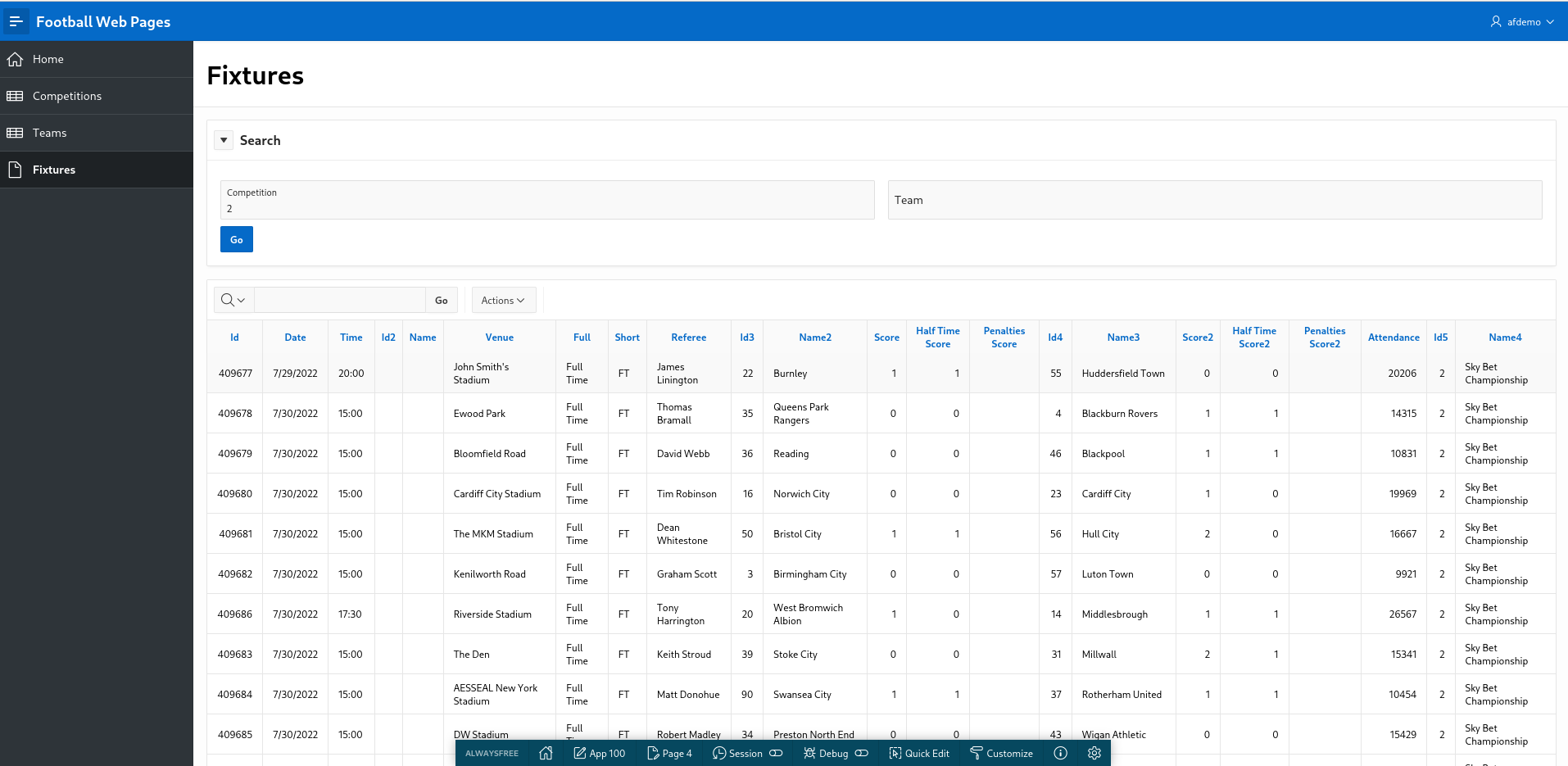
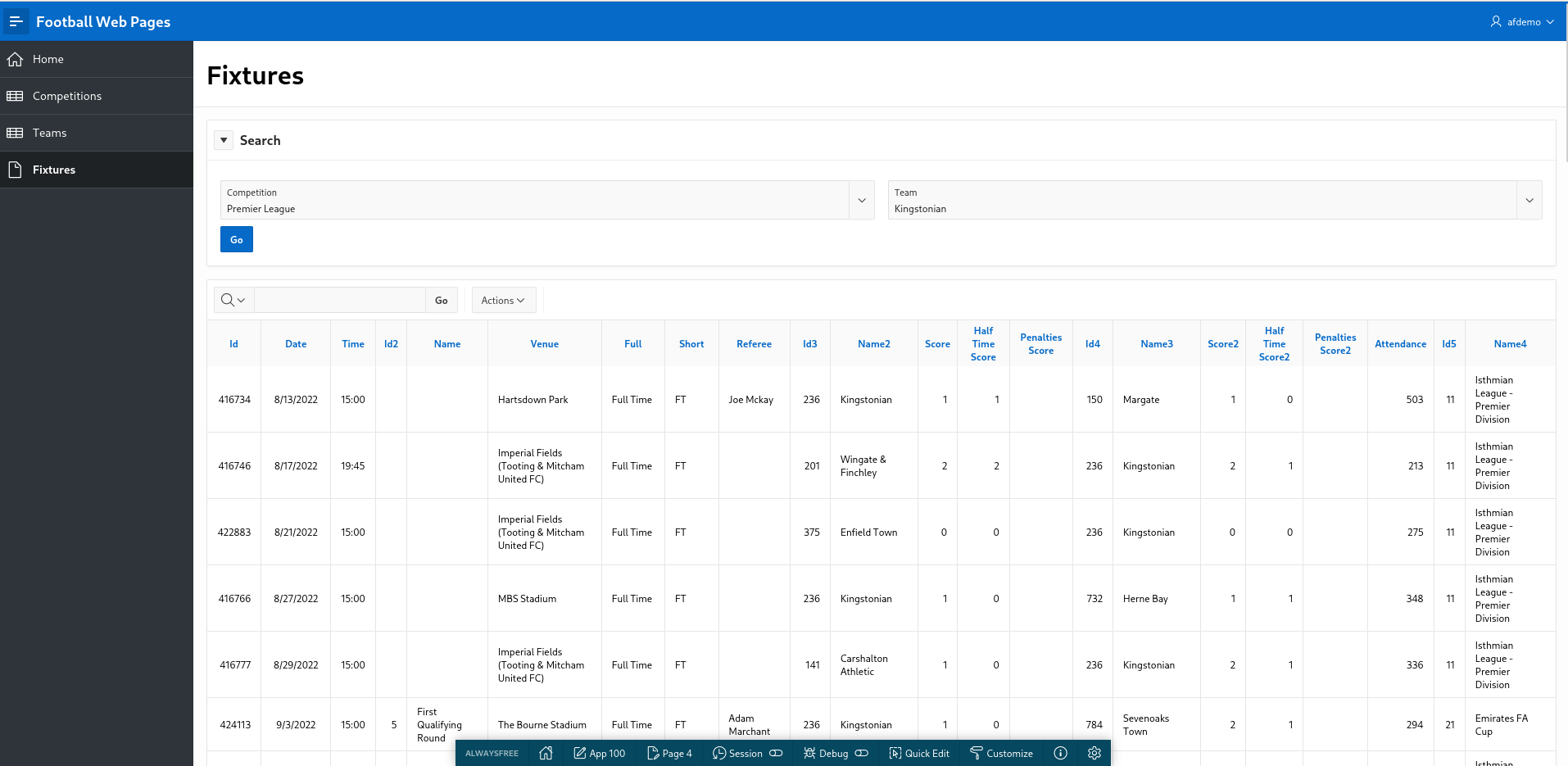
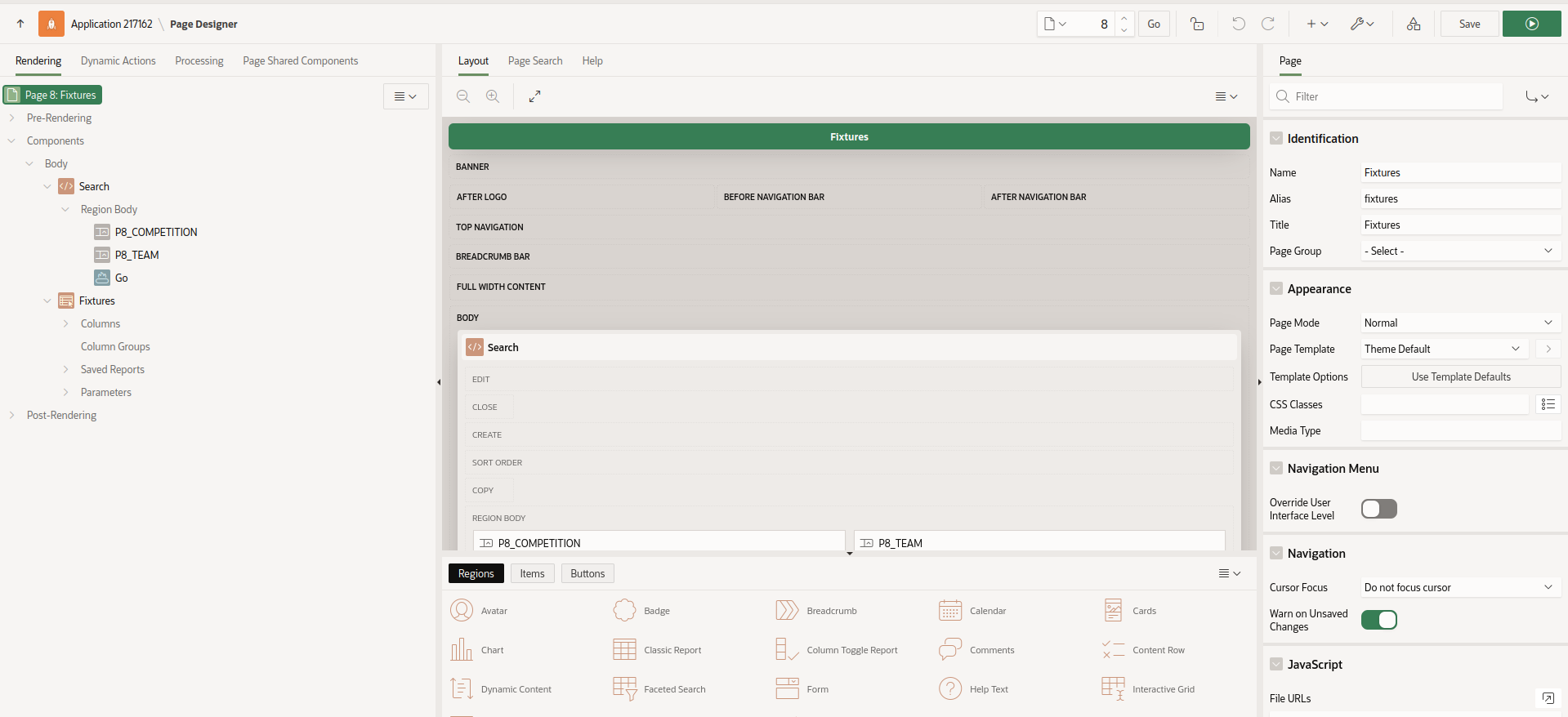 FWP Fixtures
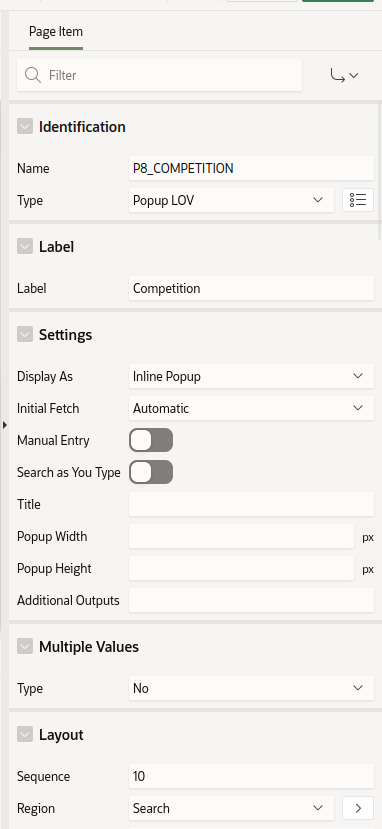 Competition parameter
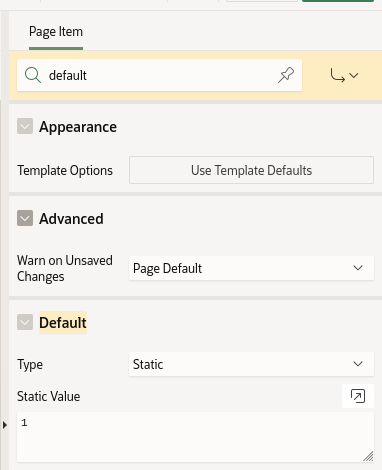 Competition parameter default
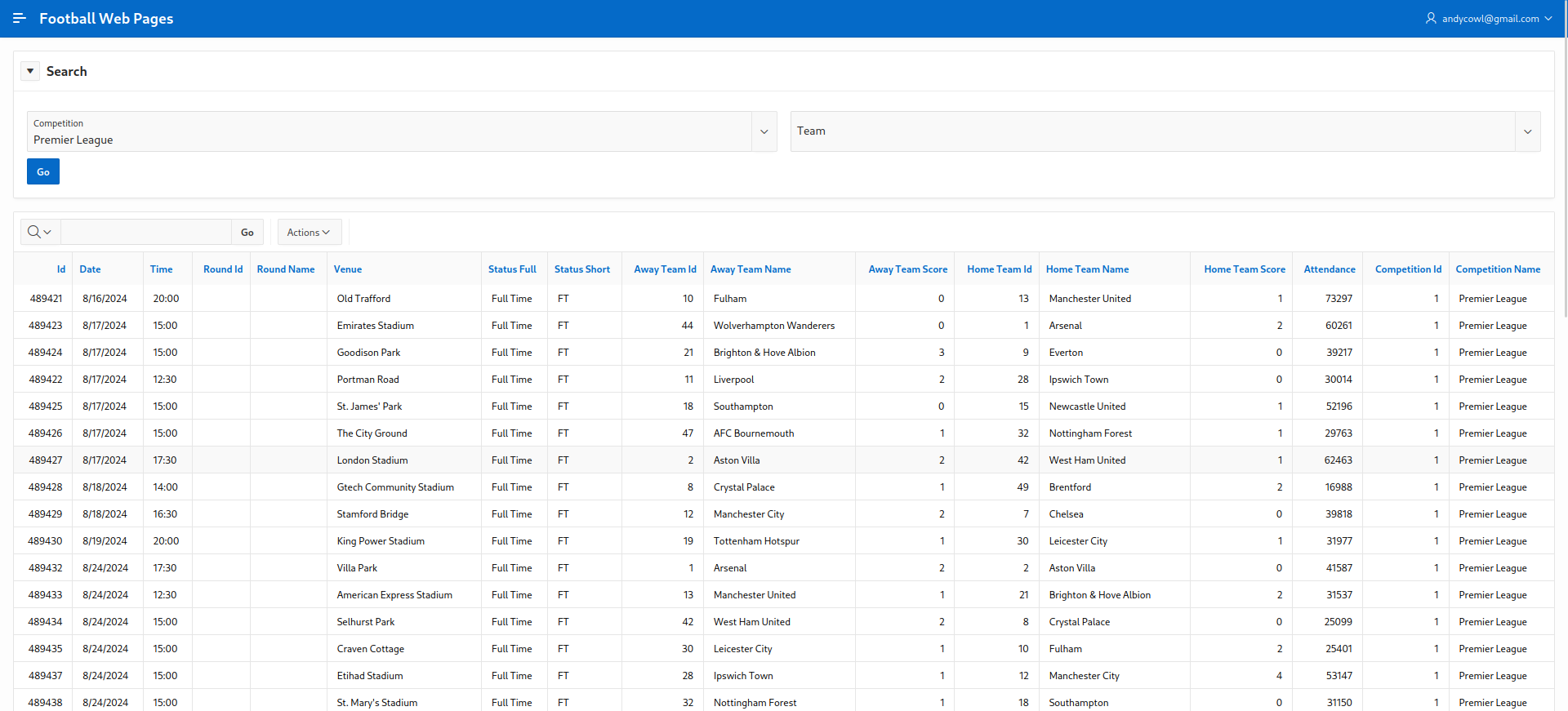 Competition defaulted
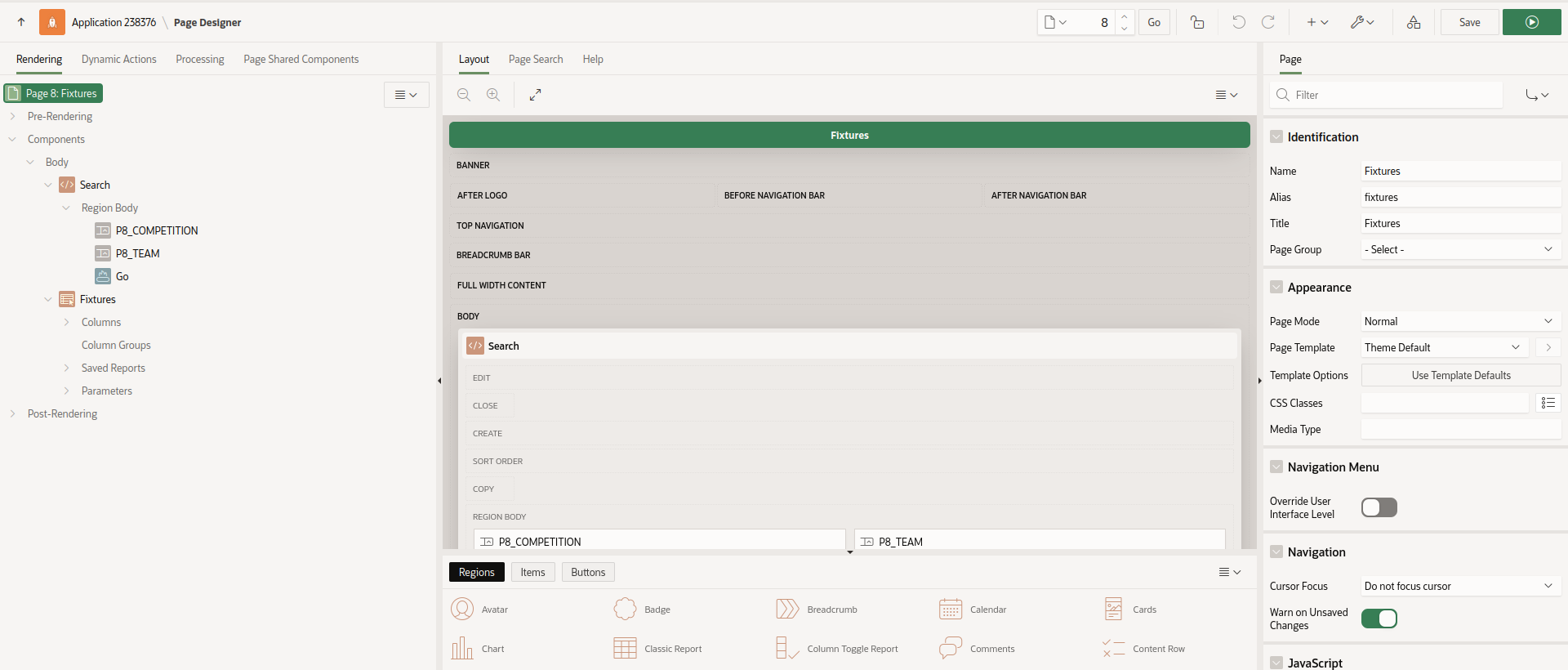 Fixtures validation
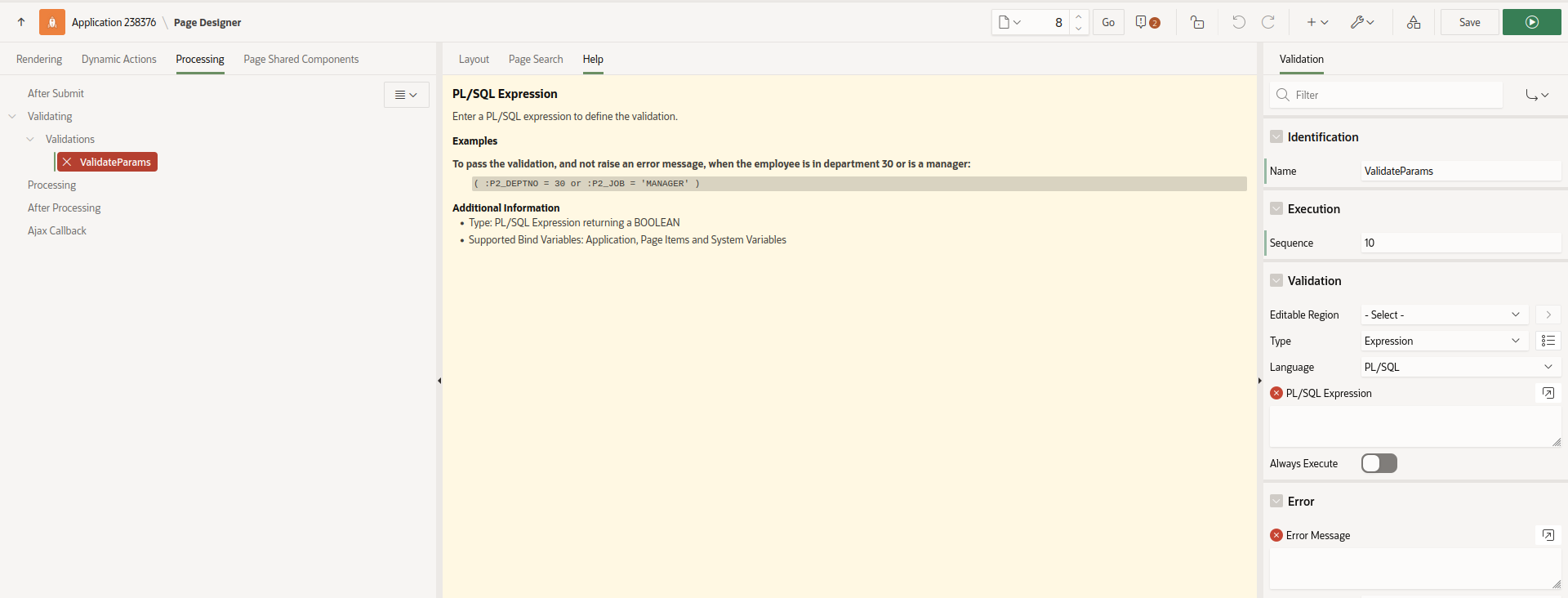 Fixtures validation create
 Fixtures validation message